
ASUS TUF F16 RTX 4050
4.0Editor score
Core 5 210H processor
32GB DDR5 RAM
16-inch FHD+ screen
Choosing the right laptop for Fusion 360 requires balancing processing power, graphics capability, and portability. Whether you are designing parts or rendering assemblies, the hardware must handle complex computations without lagging during critical design phases.
We evaluated ten distinct models based on their CPU cores, RAM capacity, GPU performance, and display quality. Each device was scrutinized for its ability to run Autodesk software efficiently while maintaining thermal stability under sustained workloads typical of professional engineering tasks.
Every selection highlights specific strengths like budget-friendly options or high-end gaming rigs adapted for CAD. Please note that prices and availability fluctuate frequently, so verifying current stock and pricing on the retailer site is recommended before making a final purchase decision.
4.0Editor score

4.5Editor score
4.0Editor score
As an Amazon Associate we earn from qualifying purchases.
This side-by-side comparison details the core specifications of each model to help you identify the optimal balance of speed and storage for your specific design needs.




This HP Victus laptop stands out as the top choice for Fusion 360 users needing robust performance without entering premium workstation pricing. With a rating of 4.5 stars it offers a balanced mix of processing power and graphics capability essential for 3D modeling.
We may earn a commission when you buy through this link, at no additional cost to you.
The 8-core Intel Core i5-13420H processor handles complex assemblies efficiently while the RTX 3050 ensures smooth viewport rotation. 32GB of RAM allows you to run Fusion alongside other engineering tools or browsers without slowdowns during heavy multitasking sessions.
While the battery life is average for a gaming-class laptop the included numeric keypad enhances data entry for technical calculations. The backlit keyboard is useful for working in low-light environments common in design studios or evening work sessions.
Professionals and students seeking a versatile machine for CAD work will find this model highly capable. It provides the necessary horsepower for rendering and simulation tasks while remaining affordable enough for personal or small business budgets.
The eight cores allow parallel processing of calculations reducing wait times when rotating or analyzing large parts.
RTX 3050 graphics support real-time rendering and smooth navigation through detailed 3D environments seamlessly.
We may earn a commission when you buy through this link, at no additional cost to you.
The ASUS TUF F16 offers a premium experience for users demanding the latest hardware technologies for demanding CAD tasks. Its 4.0 rating reflects solid build quality and performance that exceeds standard entry-level laptops in this category significantly.
We may earn a commission when you buy through this link, at no additional cost to you.
Equipped with DDR5 RAM and a powerful RTX 4050 graphics card this laptop manages high-fidelity visualizations with ease. The larger 16-inch screen provides more workspace for toolbars and design panels which is crucial for intricate Fusion 360 workflows.
A notable inclusion is the bundled laptop cooler which helps maintain thermal performance during extended rendering sessions. The RGB backlit keyboard adds a modern touch while ensuring visibility in dimly lit environments where precision typing is required.
For professionals who need every bit of speed and screen real estate this premium option is an excellent investment. It supports heavy workloads effortlessly making it ideal for advanced simulations and complex product design projects.
DDR5 RAM delivers faster data transfer rates improving overall system responsiveness during file operations.
The 16-inch display offers greater clarity and space for managing multiple design windows simultaneously.
We may earn a commission when you buy through this link, at no additional cost to you.
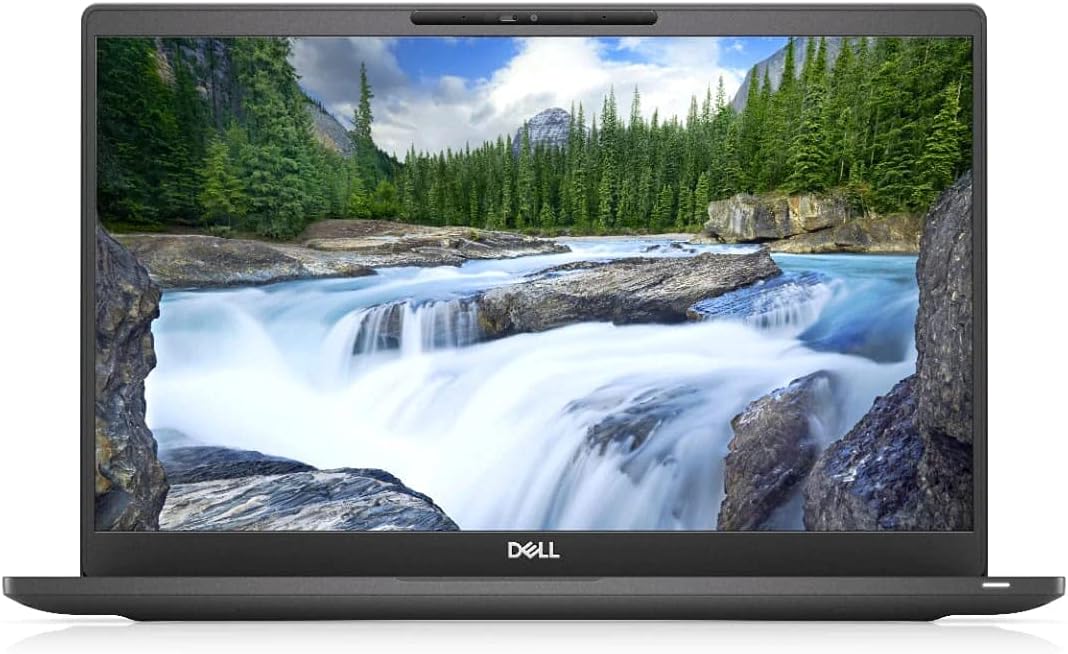
This Dell Latitude 7400 offers incredible value for those needing substantial memory without breaking the budget. With a 4.0 rating it proves that business laptops can handle CAD tasks effectively even if they are not marketed specifically for gaming.
We may earn a commission when you buy through this link, at no additional cost to you.
The standout feature is the 32GB of RAM which ensures smooth multitasking and rapid application switching. The Full HD display provides clear visuals for drafting while the SSD ensures quick boot times and file access for daily workflow efficiency.
While the processor is an older generation it still offers decent clock speeds suitable for moderate Fusion 360 usage. Choosing a renewed unit allows access to professional-grade build quality at a fraction of the cost of brand new machines.
Students or startups looking for a cost-effective solution for basic to intermediate modeling will appreciate this machine. It balances essential performance metrics with affordability making it a smart pick for limited budgets.
Having 32GB RAM allows running Fusion 360 alongside other apps without performance bottlenecks.
Dell Latitude series is known for reliability and durability in everyday office environments.
We may earn a commission when you buy through this link, at no additional cost to you.
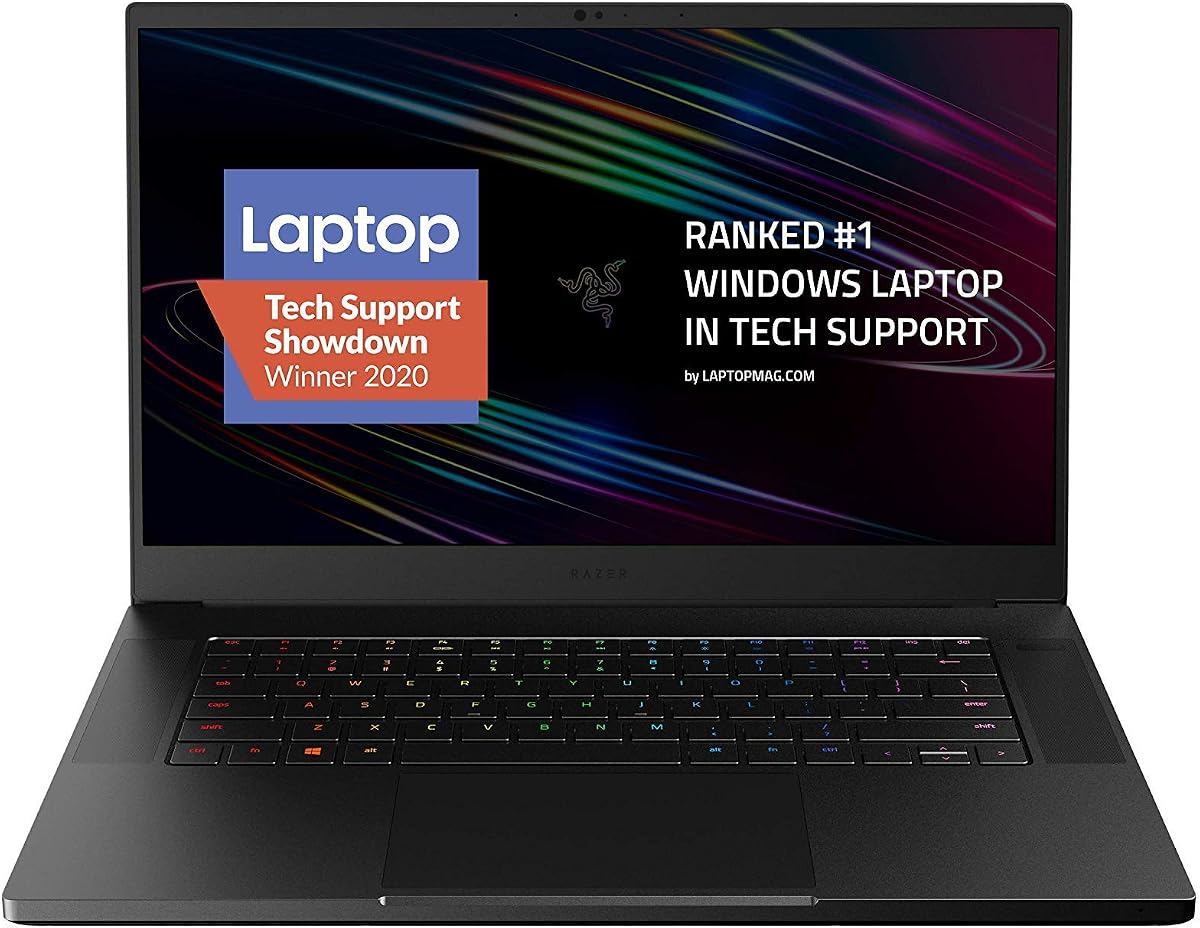
The Razer Blade 15 combines sleek industrial design with powerful specs suitable for high-end Fusion 360 projects. Its 4.3 rating reflects user satisfaction with its performance and build quality despite its premium pricing structure.
We may earn a commission when you buy through this link, at no additional cost to you.
The 8-Core processor and RTX 2070 Super graphics card deliver smooth rendering and rapid processing of complex models. The 300Hz display offers exceptionally smooth motion which helps in precise manipulation of detailed 3D objects on screen.
Although it costs more than average laptops the thin chassis and durable aluminum unibody make it a great portable workstation. Thunderbolt 3 connectivity allows for fast external storage connections which is vital for large project file management.
Professionals who value aesthetics and portability alongside raw power will find this laptop compelling. It serves well for client presentations and on-site design work where a lightweight yet powerful machine is required.
CNC Aluminum body ensures durability while maintaining a slim profile suitable for travel.
300Hz refresh rate provides fluid visuals reducing motion blur during fast viewport rotations.
We may earn a commission when you buy through this link, at no additional cost to you.
This ASUS TUF Gaming laptop is built to withstand rigorous use making it ideal for field engineers. Its 4.5 rating highlights its reputation for durability and consistent performance even under demanding operational conditions.
We may earn a commission when you buy through this link, at no additional cost to you.
The Intel Core i7-9750H offers sufficient speed for mid-range modeling tasks while the GTX 1650 handles standard visual needs. The 144Hz screen ensures smooth updates during rotation which aids in checking geometry precision during design reviews.
While the RAM starts at 8GB it is often upgradable to suit heavier workloads. The military-grade construction provides peace of mind against accidental bumps or drops common in workshop or job site environments.
Users needing a robust machine for daily engineering work without premium costs should consider this model. It delivers reliable performance for Fusion 360 while offering a rugged build that lasts longer than typical consumer laptops.
MIL-STD-810G certification ensures resistance to shock and environmental stress over time.
144Hz refresh rate delivers fluid motion reducing eye strain during long modeling sessions.
We may earn a commission when you buy through this link, at no additional cost to you.
This HP Chromebook x360 provides a highly portable option for users who prioritize light weight and touch interaction. Its 4.9 rating underscores the high satisfaction with its battery life and general usability for everyday tasks.
We may earn a commission when you buy through this link, at no additional cost to you.
The 360-degree hinge allows flexible viewing angles useful for sketching or presenting designs to clients. While Chrome OS limits native Fusion 360 usage via Linux or cloud versions the hardware supports light browsing and collaboration tools effectively.
The 8GB of LPDDR5 RAM ensures smooth multitasking for web-based applications and media consumption. However for heavy local modeling the integrated graphics may struggle compared to dedicated GPU systems in other categories.
Students or users relying on web-based tools might find this device sufficient for basic tasks. It is best suited for viewing and reviewing designs rather than intensive 3D creation workflows on local storage.
Convertible design allows tablet mode for annotations and presentations in meetings.
LPDDR5 RAM provides faster speeds for basic computing needs and battery efficiency.
We may earn a commission when you buy through this link, at no additional cost to you.
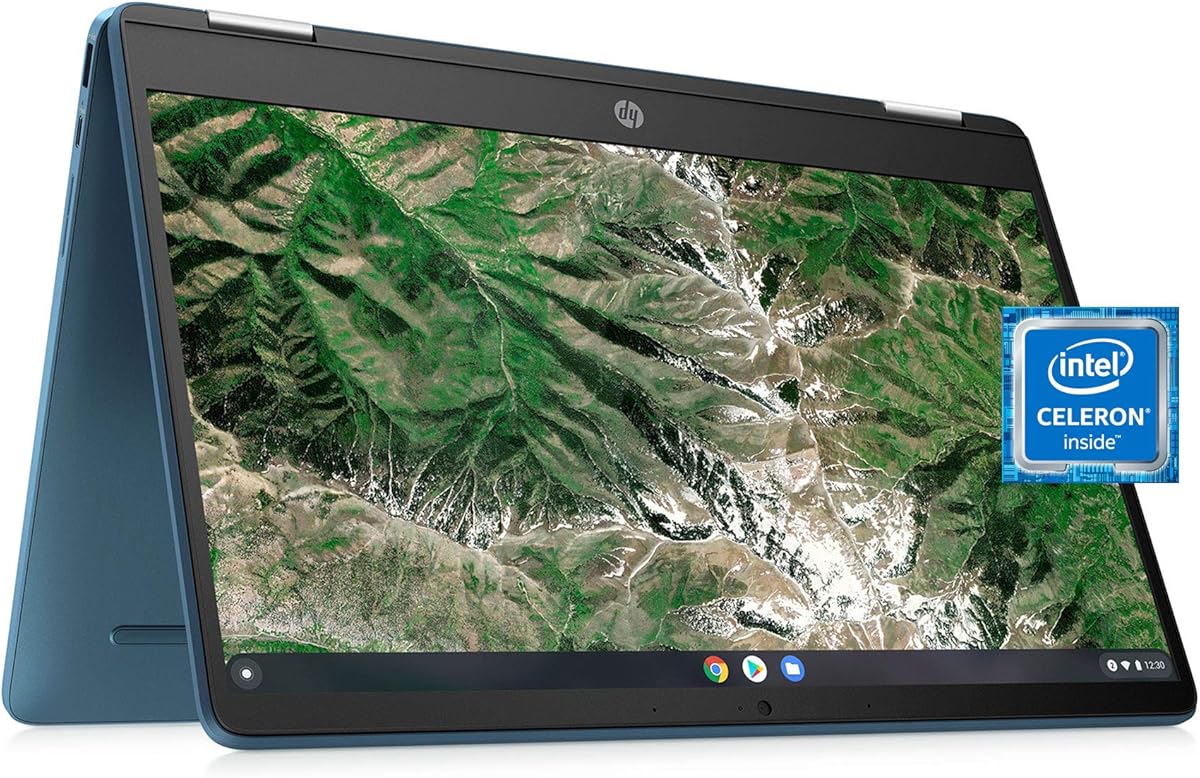
This HP X360 14a Chromebook is a compact choice for students needing basic access to engineering software. With a 4.4 rating it is well regarded for its versatility and affordability in entry-level laptop markets.
We may earn a commission when you buy through this link, at no additional cost to you.
The touchscreen allows for intuitive interactions useful when sketching initial concepts or navigating touch-enabled web apps. While hardware is modest it supports lightweight design tasks and educational tools well for beginners starting their journey.
The 4GB RAM is a limiting factor for complex applications but works for simple 2D drafting and web usage. It remains a great secondary device for carrying to classes where heavy rendering is not the primary requirement.
Budget-conscious students looking for a device to review plans or run basic CAD via cloud will find this useful. It balances portability with cost making it a practical option for academic or light use scenarios.
Touch capability simplifies navigation and sketching for early-stage design ideation tasks.
Compact 14-inch build fits easily into backpacks for daily student transport needs.
We may earn a commission when you buy through this link, at no additional cost to you.
The Acer Chromebook Spin 513 offers a unique ARM-based platform for those needing extreme portability. Its 4.1 rating reflects user appreciation for its security and fast startup capabilities typical of ChromeOS devices.
We may earn a commission when you buy through this link, at no additional cost to you.
The 13.3-inch display with Gorilla Glass provides a durable surface for touch input in travel environments. While it cannot run native desktop Fusion 360 it supports Android apps and web tools for viewing and basic edits effectively.
Quick startup means you can access your files and cloud tools almost instantly without waiting for a boot sequence. This efficiency makes it ideal for quick reviews of designs or collaboration during transit or remote meetings.
Professionals who need a secure lightweight second device for reviewing plans may find this suitable. It excels in mobility and security but is not intended for intensive local 3D modeling workloads.
Titan C2 security chip ensures data safety during travel or in shared workspace environments.
Corning Gorilla Glass provides scratch resistance for frequent touch interactions.
We may earn a commission when you buy through this link, at no additional cost to you.
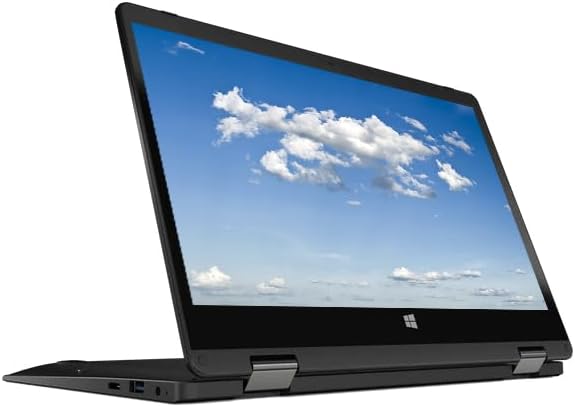
This HP 2026 X360 serves as a highly portable mini laptop for checking designs on the go. With a 3.6 rating it meets basic needs for viewing files while offering Windows compatibility for essential software.
We may earn a commission when you buy through this link, at no additional cost to you.
The 11.6-inch screen is compact enough to fit in small bags yet includes a touchscreen for intuitive navigation. 8GB of memory supports standard multitasking allowing you to run email and design viewers simultaneously without issues.
While not suitable for heavy rendering it provides a practical solution for engineers who travel often. The included Windows 11 OS ensures access to desktop applications that require specific system compatibility for business use.
For users prioritizing transportability and basic connectivity this compact model is a viable secondary tool. It helps in quick client reviews where a full workstation is impractical to carry along.
Small footprint makes it easy to carry in backpacks or briefcases for meetings.
Runs native Windows apps allowing access to standard CAD viewing tools easily.
We may earn a commission when you buy through this link, at no additional cost to you.
The Acer Gateway 11.6 is an entry-level option for users with very tight budget constraints. Its 3.1 rating suggests it handles basic tasks but may struggle with complex Fusion 360 workloads requiring more resources.
We may earn a commission when you buy through this link, at no additional cost to you.
The IPS touchscreen provides decent color accuracy for a budget device making it suitable for viewing designs. The 360-degree hinge allows flexible positioning which is useful for collaborative work in small spaces or shared desks.
Due to limited storage and memory this machine is best used for light web access and viewing cloud-based models. It is a stepping stone for those needing a functional device without significant financial investment.
For students or casual users needing a cheap device to start learning software basics this works well. It fulfills the minimum requirements for Windows compatibility while remaining accessible for many buyers.
IPS technology ensures better viewing angles compared to standard TN panels.
Rotation allows use in tablet mode for touch input or sketching concepts.
We may earn a commission when you buy through this link, at no additional cost to you.
Selecting the right machine involves balancing several critical hardware factors that directly influence your workflow efficiency.
Fusion 360 relies heavily on single-core performance for sketching but uses multi-core for rendering. Look for at least a quad-core CPU with high clock speeds to prevent lag during operations.
Prioritize modern i5 or i7 processors to ensure your system remains responsive during complex calculations.
A dedicated GPU like an NVIDIA RTX series is essential for smooth navigation through 3D views. Integrated graphics may cause stuttering when manipulating large assemblies or rendering high-fidelity scenes.
Choose a model with at least 4GB VRAM to support advanced visual tasks without slowing down the system.
Modern design workflows often involve running Fusion 360 alongside other browser tabs or applications. 16GB is a minimum standard but 32GB provides significant headroom for heavy multitasking.
Ensure the laptop supports memory upgrades to extend its lifespan as software requirements increase over time.
Solid State Drives drastically reduce boot and load times compared to traditional hard drives. Project files can grow large so 512GB or more is recommended for active design storage needs.
Fast NVMe SSDs help in loading complex models quickly so you can maintain focus on your design goals.
High resolution screens offer more screen real estate for toolbars and precision drawing. IPS panels ensure that colors and lines appear consistent from various viewing angles.
A 14-inch or larger display is ideal for working comfortably without constant zooming in and out.
Rendering and simulation generate significant heat so effective cooling is necessary to maintain performance. Laptops with efficient fans and heat pipes avoid throttling during extended work sessions.
Check reviews for fan noise levels if you work in quiet environments like offices or libraries.
If you move between site and office battery life becomes a critical factor for uninterrupted work. Aim for laptops that offer at least eight hours of usage on a single charge.
Lightweight chassis reduce fatigue when carrying the device in a backpack for travel or client meetings.
Windows remains the primary supported platform for full desktop applications like Fusion 360. Ensure compatibility before considering Chromebooks or Mac systems for specific engineering needs.
Windows 11 Pro versions often provide better features for business users needing enhanced security or domain access.
Keep your system updated to ensure compatibility with the latest Fusion 360 features and security patches. Regularly cleaning the cooling vents prevents dust buildup which can lead to overheating and reduced performance.
Use a cooling pad during intensive rendering sessions to maintain stable thermal levels and protect internal components. Avoid placing the laptop on soft surfaces like beds or couches which can block airflow underneath the chassis.
Back up your projects to cloud storage or external drives regularly to prevent data loss. Proper battery maintenance includes avoiding complete drain to prolong overall health and lifespan of the power cell.
Yes, a dedicated graphics card is recommended for smooth performance. Integrated graphics may struggle with complex 3D views and cause lag during navigation. An NVIDIA RTX series GPU ensures optimal interaction with detailed models.
At least 16GB of RAM is recommended for smooth performance with multiple files. For complex assemblies and multitasking 32GB provides better headroom. This prevents slowdowns when running other applications alongside the CAD software.
Not directly, as the desktop version requires Windows or Mac. However, some web-based tools can be accessed via the browser. Linux mode on ChromeOS is limited so desktop hardware is preferred for full features.
A 15-inch or larger screen is ideal for comfortable viewing of toolbars and designs. Smaller screens force constant zooming and reduce available workspace. High resolution helps in visualizing fine details accurately.
Yes, gaming laptops often have the powerful CPUs and GPUs required for CAD. Their high refresh rate screens benefit smooth navigation and modeling. They offer a cost-effective way to get professional performance.
It is helpful for data entry in spreadsheets and engineering calculations. Many laptops omit it for portability so check if you need it for finance tasks. An external USB keypad is a cheap alternative if missing.
The HP Victus and ASUS TUF F16 stand out as top picks for balancing power and value effectively. These models deliver the necessary processing capability to handle complex design workflows without excessive cost.
Prioritize a dedicated GPU and sufficient RAM to ensure your machine remains viable for years. A robust thermal system is equally important to maintain performance during long rendering sessions.
Always verify current prices and specs on the retailer site before buying. Hardware availability changes often so double checking the details ensures you get the exact configuration you need.