
Amazon Basics Condenser Microphone
4.4Editor score
High sensitivity 14mm diaphragm
Cardioid pickup pattern isolates noise
360-degree adjustable stand included
Finding a reliable podcast microphone does not have to break the bank. Many creators start with limited budgets but still need clear audio to engage their audience effectively. We have researched the market to identify microphones that deliver professional sound at affordable price points.
Our team evaluated ten top-rated models based on sound quality, build durability, ease of use, and additional features like noise cancellation. We analyzed user feedback and technical specifications to ensure each pick offers real value for podcasters of all experience levels.
Each review highlights specific strengths and weaknesses to help you choose the right tool for your setup. Please note that product availability and pricing can change frequently, so verify current details before making your final purchase decision.
4.4Editor score

4.4Editor score

4.6Editor score
As an Amazon Associate we earn from qualifying purchases.
The following table provides a side-by-side comparison of the ten selected microphones to help you quickly identify key specifications and features that matter most for your podcasting needs.




The ZealSound Podcast Microphone stands out as a top contender for creators seeking quality without excessive cost. With a solid 4.4-star rating from verified buyers, it delivers studio-quality sound through a high-performance condenser capsule. Its intelligent noise reduction mode effectively filters out background distractions like keyboard clicks and fan hum, making it ideal for home studio environments where acoustic treatment is limited.
We may earn a commission when you buy through this link, at no additional cost to you.
This microphone offers exceptional versatility with its plug-and-play USB connectivity and included adapters for mobile devices. The 40Hz to 18kHz frequency response ensures rich lows and clear highs for natural vocal reproduction. Real-time zero-latency monitoring allows you to hear your voice exactly as it is recorded, helping you adjust levels on the fly without software latency issues.
While the build quality is sturdy with a metal base, some users may find the overall design feels slightly lighter than premium competitors. The software features require initial configuration to maximize performance, which might be a minor hurdle for absolute beginners. However, the included accessories and wide compatibility make these trade-offs acceptable for most podcasters.
We recommend this microphone for solo podcasters, streamers, and online educators who need reliable audio capture across multiple platforms. Its balance of price and performance positions it as our Editor's Choice for the best cheap podcast microphone in the current market. If you want professional results without breaking the bank, this model offers excellent value.
The noise reduction mode uses advanced processing to isolate your voice from ambient sounds. Press and hold the mute button to activate this feature, indicated by a blue light for immediate visual feedback during recording sessions.
Unlike many USB mics, this model includes Lightning and USB-C adapters. This allows seamless connection to iPhones, iPads, and modern Android devices, expanding your recording options beyond just desktop computers.
We may earn a commission when you buy through this link, at no additional cost to you.
The Amazon Basics Condenser Microphone represents the most affordable entry point into quality podcasting audio. With a large 14mm diaphragm, it captures clear sound with low noise and distortion. Its cardioid pickup pattern effectively isolates background noise, ensuring clean recordings for broadcasting or online meetings without needing expensive acoustic panels.
We may earn a commission when you buy through this link, at no additional cost to you.
This model excels in simplicity and ease of use. The built-in one-tap mute function syncs with your laptop, allowing quick privacy protection during calls. The included stand allows full 360-degree rotation, so you can position the mic perfectly for your speaking angle. It connects via USB with no drivers required, making it ready to record immediately after unboxing.
Build quality is functional but basic, using standard plastics that may not withstand heavy travel or rough handling. The feature set lacks advanced controls like gain knobs or monitoring jacks found in higher-priced models. However, for creators just starting out or those on a strict budget, these limitations are often acceptable for the price paid.
We recommend this microphone for beginners, students, or anyone needing a reliable backup mic for meetings and casual recordings. Its high sensitivity ensures your voice comes through clearly even in less-than-ideal rooms. If budget is your primary constraint, this Amazon Basics model delivers the best value for money available today.
The cardioid pattern focuses on sound directly in front of the mic while rejecting noise from the sides and rear. This directional capability is crucial for podcasting in non-studio environments with ambient household noise.
The 360-degree adjustable stand lets you pivot the mic to any angle. This flexibility helps you find the optimal position for clear vocal capture without needing additional boom arms or stands.
We may earn a commission when you buy through this link, at no additional cost to you.
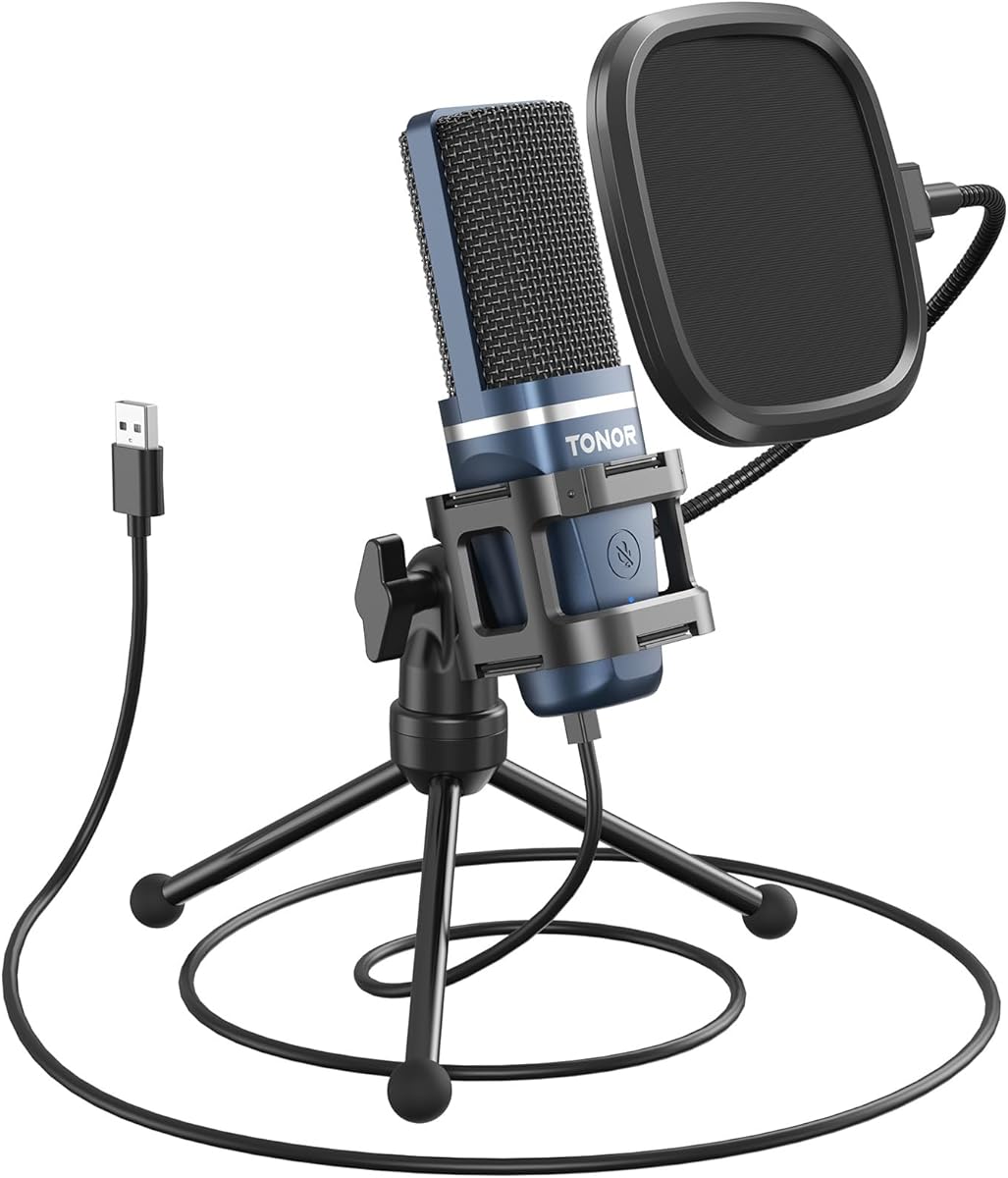
The TONOR Podcast Microphone offers a complete starter package that includes essential accessories for immediate professional recording. With its cardioid pickup pattern, it captures clear voice audio while suppressing unwanted background noise. The included shock mount and pop filter prevent vibrations and plosive sounds from ruining your recordings, which are common issues for beginners.
We may earn a commission when you buy through this link, at no additional cost to you.
This microphone supports a wide range of devices including Windows, Mac, PS4, and PS5, making it versatile for gaming streamers and podcasters alike. The one-click mute and volume control allow easy operation during recording sessions. Its plug-and-play nature means no drivers are required, simplifying setup for users with limited technical knowledge.
Some users report that the plastic stand feels less stable than metal alternatives, especially on uneven surfaces. The incompatibility with Xbox limits its utility for console gamers who need audio input directly. However, the included accessories add significant value, reducing the need for separate purchases to get a professional setup.
We recommend this microphone for gamers and podcasters who want a turnkey solution with all necessary components included. The combination of sound quality and practical accessories makes it a strong contender for budget-conscious creators. If you need a reliable mic right out of the box, this TONOR model is worth considering.
The package includes a pop filter and shock mount alongside the microphone itself. These additions typically cost extra when purchased separately, providing significant savings and a more complete setup from the start.
Beyond PC recording, this mic works with gaming consoles like PS4 and PS5. This cross-platform capability makes it ideal for streamers who switch between different recording environments regularly.
We may earn a commission when you buy through this link, at no additional cost to you.
The FIFINE K669B USB Microphone is designed for reliable performance in voice-over and meeting scenarios. Its solid metal construction ensures durability and longevity for daily use. The cardioid condenser capsule captures clear, smooth sound while reducing background noise, making it ideal for focused recording tasks where clarity is paramount.
We may earn a commission when you buy through this link, at no additional cost to you.
A dedicated volume knob allows quick adjustment of mic levels directly on the device. This feature is useful for changing volume during recording sessions without accessing software menus. It connects via USB with no external phantom power needed, simplifying setup for desktop computers, laptops, and gaming consoles like PS4 and PS5.
Users note that it is not compatible with phones, limiting mobile recording options. Additionally, some applications like Zoom require disabling automatic volume adjustment to prevent fluctuating audio levels. However, the metal build quality and clear output justify these minor limitations for dedicated desktop recording use.
We recommend this microphone for voice actors, podcasters, and remote workers who need consistent audio performance from a desktop setup. Its straightforward design and durable build make it a reliable choice for professional applications. If you prioritize sound clarity and build quality in a budget mic, this model delivers strong results.
The durable metal design extends the service life of the microphone compared to plastic alternatives. This build quality ensures stability during recording sessions and resistance to wear and tear over time.
The physical volume knob on the mic allows immediate adjustment of audio levels. This tactile control is faster than navigating software menus and provides precise gain control during active recording.
We may earn a commission when you buy through this link, at no additional cost to you.
The FIFINE AmpliGame AM8 offers unique flexibility by supporting both USB and XLR connections. This allows users to start with simple USB plug-and-play setup and later upgrade to an audio interface for higher fidelity. The dynamic microphone design captures balanced audio while rejecting off-axis noise, ensuring vocal clarity during gaming or streaming.
We may earn a commission when you buy through this link, at no additional cost to you.
Features like the RGB ring and tap-to-mute function add practical convenience for streamers. The RGB lighting can be controlled directly on the mic to match your setup aesthetic. The included 3.5mm headphone jack provides zero-latency monitoring so you can hear your voice and system audio simultaneously without delay.
While XLR capability is a strong plus, the required XLR cable is not included in the package, adding to the initial cost. RGB effects are only active when using USB connection, limiting visual customization for professional XLR setups. However, the upgrade path provides significant long-term value for growing content creators.
We recommend this microphone for gamers and streamers who anticipate upgrading their audio equipment in the future. The dynamic capsule handles loud voices well without distortion, and the versatile connection options support both beginners and professionals. If you want a mic that grows with your skills, the AM8 is an excellent choice.
This mic supports both USB for immediate use and XLR for professional audio interfaces. This dual connectivity ensures you can start recording today and upgrade later without replacing the microphone itself.
The 3.5mm headphone jack enables real-time monitoring of your voice and system audio. This feature is crucial for gaming and streaming to ensure audio levels are balanced and distortion-free.
We may earn a commission when you buy through this link, at no additional cost to you.
The Logitech Creators Blue Yeti is widely regarded as the industry standard for USB podcasting microphones. Its custom three-capsule array produces powerful broadcast-quality sound suitable for professional recordings. The four flexible pickup patterns allow you to record vocals, instruments, or group discussions with precision without needing multiple microphones.
We may earn a commission when you buy through this link, at no additional cost to you.
Blue VO!CE software adds advanced effects like compression, EQ, and noise reduction to enhance vocal clarity. Onboard controls include headphone volume, pattern selection, and mic gain, giving you full control over your audio chain. The positionable design lets you pivot the mic for optimal sound quality based on your recording environment.
The primary drawback is the higher price compared to other budget options, which may be a barrier for new creators. The desktop footprint is also larger than compact alternatives, requiring more desk space. However, the sound quality and feature set justify the investment for serious podcasters who prioritize audio fidelity.
We recommend this microphone for professionals and serious hobbyists who need studio-quality recordings from a USB interface. Its reputation for reliability and sound quality makes it a safe long-term investment. If you want the best possible audio and have the budget, the Blue Yeti remains the top choice.
The four patterns include cardioid, omni, bidirectional, and stereo. This versatility allows you to adapt the mic for different recording scenarios like interviews or solo voiceovers without changing hardware.
The included software suite provides advanced modulation and HD audio samples. These tools help you refine your voice and add professional polish to recordings without needing third-party plugins.
We may earn a commission when you buy through this link, at no additional cost to you.
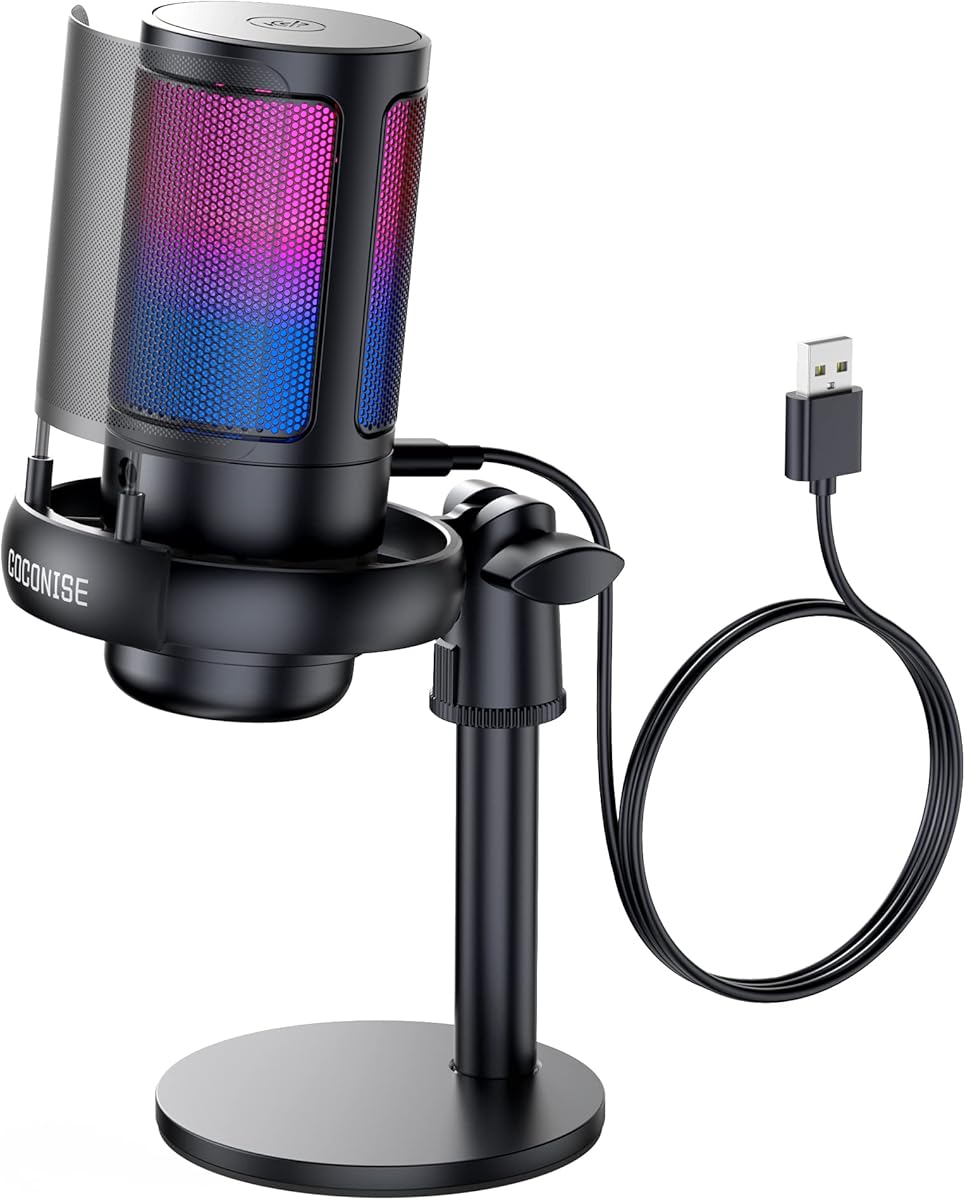
This gaming microphone blends audio quality with visual style through its gradient RGB lights. The 25mm ultra-large capacitor diaphragm captures a wide range of audio with high sampling rates, ensuring clear sound for streaming. The RGB lights turn off when muted, providing a clear visual indicator of your audio status to prevent accidental broadcast.
We may earn a commission when you buy through this link, at no additional cost to you.
The detachable metal anti-splash screen filters plosive sounds more effectively than foam filters. A 3.5mm headphone jack allows real-time monitoring so you can adjust levels during recording. The one-button mute sensor offers quick access to silence the mic, and the weighted carbon steel base ensures stability during intense use.
Some users find the RGB lighting distracting or too bright for recording setups. The plastic construction may feel less premium than metal options. However, the combination of practical features like the metal screen and touch mute makes it a strong value for gamers who want style and substance.
We recommend this microphone for gamers and streamers who prioritize aesthetics alongside audio performance. The visual feedback on mute status is a helpful safety feature for live broadcasting. If you want a mic that matches your gaming setup visually, this model offers the best design integration.
The gradient RGB lights serve both aesthetic and functional purposes. When muted, the lights turn off to give you instant visual confirmation that you are not broadcasting audio.
Unlike foam filters, the metal screen reduces plosive noise more effectively. It is durable and detachable, ensuring long-term performance without needing regular replacement or cleaning.
We may earn a commission when you buy through this link, at no additional cost to you.
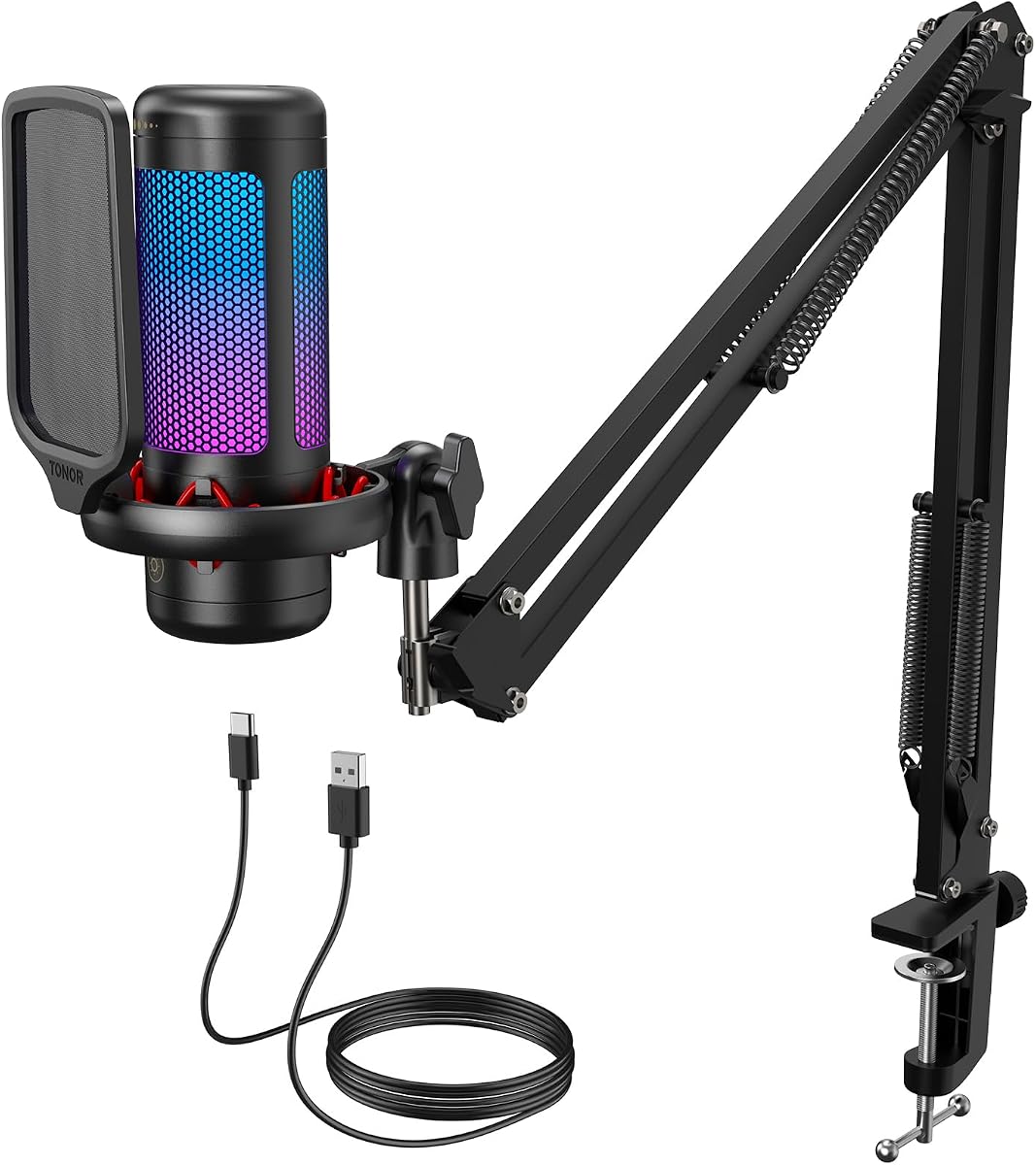
The TONOR Gaming Microphone Set offers a complete solution with a professional boom arm included in the package. Equipped with premium chips and expert tuning, it provides high-fidelity reproduction for smooth communication. The metal boom arm fits most desks and allows precise positioning to keep the mic optimal for your voice.
We may earn a commission when you buy through this link, at no additional cost to you.
Vibrant RGB lighting adds style with four modes including static color and gradient effects. The brightness can be adjusted via long tap to reduce eye strain during late sessions. Gain control and tap mute on the mic itself give you hands-on adjustment without software interruption during active recording.
Assembly of the boom arm requires some desk space and cable management to look tidy. The arm clamp needs a desk thickness under 2.36 inches, which may limit compatibility with very thick desks. However, the all-in-one nature saves money compared to buying the mic and arm separately.
We recommend this set for streamers and content creators who want a professional desk setup without multiple purchases. The included hardware ensures the mic stays out of your workspace while maintaining excellent sound quality. If you need a full kit ready to install, this TONOR model is highly practical.
The package includes a professional boom arm and microphone, saving cost versus buying separately. This convenience means you can have a fully functional studio setup immediately after purchase.
Rotating the top of the mic adjusts gain directly on the device. This ensures you maintain appropriate volume levels for your recording environment without needing software tweaks.
We may earn a commission when you buy through this link, at no additional cost to you.
The MAONO A04 USB Microphone features a professional sound chipset capable of 192kHz/24Bit resolution for studio-quality audio. The 16mm condenser transducer provides strong bass response and crisp vocals. The adjustable scissor arm stand included allows precise positioning to capture the best sound angle while keeping the desk clear.
We may earn a commission when you buy through this link, at no additional cost to you.
Its USB connection offers plug-and-play convenience with no drivers required. The magnet ring on the cable provides strong anti-interference protection to maintain audio integrity during recording. A pop filter and foam windscreen further ensure crystal clear sound by reducing plosives and wind noise.
Some users note it is not compatible with Xbox, limiting console gaming use. The arm clamp requires a desk thickness less than 2.1 inches. Despite these minor restrictions, the high resolution audio quality and complete kit make it a strong contender for serious content creators.
We recommend this microphone for podcasters who need high-fidelity sound for production quality recordings. The inclusion of a professional arm and shock mount saves money on accessories. If you want resolution and clarity without breaking the bank, the MAONO A04 is an excellent value.
The 192kHz/24Bit chipset ensures smooth frequency response ideal for studio recordings. This high resolution captures detail and nuance that lower quality mics might lose during recording.
The adjustable scissor arm and metal shock mount allow professional mic positioning. This hardware is often sold separately, adding significant value to the overall purchase price.
We may earn a commission when you buy through this link, at no additional cost to you.
The FIFINE AmpliGame A6V is an award-winning USB gaming microphone designed for high-quality streaming. With a 192kHz sampling rate and cardioid polar pattern, it delivers naturally detailed audio that makes your team sound clear. The quick mute button lets you silence the mic instantly to avoid broadcasting unwanted sound.
We may earn a commission when you buy through this link, at no additional cost to you.
Gradient RGB lighting cycles through colors to enhance your gaming setup aesthetic. The included shock mount and pop filter reduce tremor from keyboard taps and plosives during speech. A stable tripod stand ensures optimal recording positioning for any desk setup.
The RGB lighting adds visual flair but may be distracting in quiet environments. Standard accessories are useful but do not include a boom arm for advanced positioning. However, the high sampling rate and solid build quality ensure reliable performance during intense gaming sessions.
We recommend this microphone for gamers and streamers who want high resolution audio and professional features. The award-winning design and practical controls make it a top choice for content creation. If you need a reliable mic that looks great on camera, the A6V is a great fit.
This microphone has earned the globally recognized iF Design Award for its build quality and aesthetics. This recognition validates its quality and design compared to other budget gaming peripherals.
The 192kHz sampling rate ensures detailed audio reproduction for voice and effects. This high resolution contributes to a clearer soundscape during streams and recorded videos.
We may earn a commission when you buy through this link, at no additional cost to you.
Choosing the right microphone involves evaluating sound quality, connection type, and build durability. This guide outlines key factors to consider to ensure you select a model that fits your specific needs and budget.
Condenser microphones are more sensitive and capture more detail, making them ideal for studio environments. Dynamic microphones are less sensitive and better suited for noisy rooms since they focus on the speaker directly in front of them.
For most podcasters starting out, a condenser mic provides the best clarity. However, if you record in a busy household, a dynamic mic may reduce unwanted background noise effectively.
USB microphones connect directly to your computer without needing additional hardware. XLR microphones require an audio interface or mixer which adds cost but offers greater control and flexibility for future upgrades.
Stick with USB if you want simplicity and portability. Choose XLR if you plan to build a professional setup with multiple inputs and external processors later.
Cardioid patterns capture sound from the front and reject noise from other directions. Omnidirectional patterns capture sound from all sides which is useful for recording multiple people in a group.
For solo podcasting, cardioid is the standard choice as it focuses on your voice. If you interview guests at the same desk, consider models with switchable patterns.
Metal construction typically offers better durability and vibration resistance compared to plastic. Look for weighted bases and shock mounts that help reduce handling noise during recording.
Inspect materials to ensure the mic will last over time. Heavier builds often indicate better stability for desk setups.
Mute buttons, gain knobs, and monitoring jacks provide real-time control during recording sessions. These features are crucial for preventing technical issues and ensuring consistent audio levels.
Prioritize mics with physical controls for quick adjustments. Software control may be too slow for live streaming or recording.
Many budget kits include pop filters, shock mounts, or stands to reduce extra costs. Check what is included in the box before purchasing to avoid buying separate accessories later.
A complete kit often offers better value. If essential accessories are missing, factor those costs into your final budget.
Ensure the microphone works with your recording software like Audacity, OBS, or Zoom. Some mics require specific drivers or software to unlock full features.
Check system requirements before buying to avoid compatibility headaches. Plug-and-play models are usually easier to set up.
Microphones range from affordable entry-level to premium professional gear. Determine your budget upfront to narrow down options without overspending on unnecessary features.
Balance cost with your needs. A mid-range model often provides the best compromise between price and performance.
Position your microphone about six inches away from your mouth for optimal sound capture. Speak directly into the front of the mic and avoid covering the grille with your hands.
Adjust the gain levels so your voice is loud but not distorted. If your software allows, use compression to smooth out volume differences between loud and soft speaking.
Store your microphone in a dust-free environment when not in use to protect sensitive components. Clean the grille regularly using a soft brush and avoid harsh chemicals.
No, USB microphones connect directly to your computer and do not require an audio interface. This makes them easier to set up and more affordable for beginners starting their podcasting journey.
Cardioid patterns capture sound from the front and reject noise from sides, while omnidirectional patterns capture from all directions. Cardioid is best for solo podcasting to reduce background noise.
Most USB microphones require adapters to connect to phones. Check if your model includes USB-C or Lightning adapters for mobile compatibility before purchasing.
Use a cardioid mic positioned close to your mouth to focus on your voice. Turn off fans or air conditioners during recording and apply noise reduction filters in your software.
Check that you have plugged it into a functional USB port. Ensure any required drivers are installed and restart your computer to refresh device detection.
A shock mount and pop filter are essential to reduce plosives and handling noise. A boom arm helps position the mic conveniently without taking up desk space.
We have reviewed ten excellent microphones that balance affordability with professional audio quality. Our top picks include the ZealSound for all-around value and the Blue Yeti for premium studio results.
When choosing your microphone, prioritize sound clarity and build quality over flashy features. Ensure the model you select fits your recording environment and device setup comfortably.
Always check current pricing and availability before purchasing as offers may change. Investing in the right microphone early will save you from upgrading sooner than necessary.