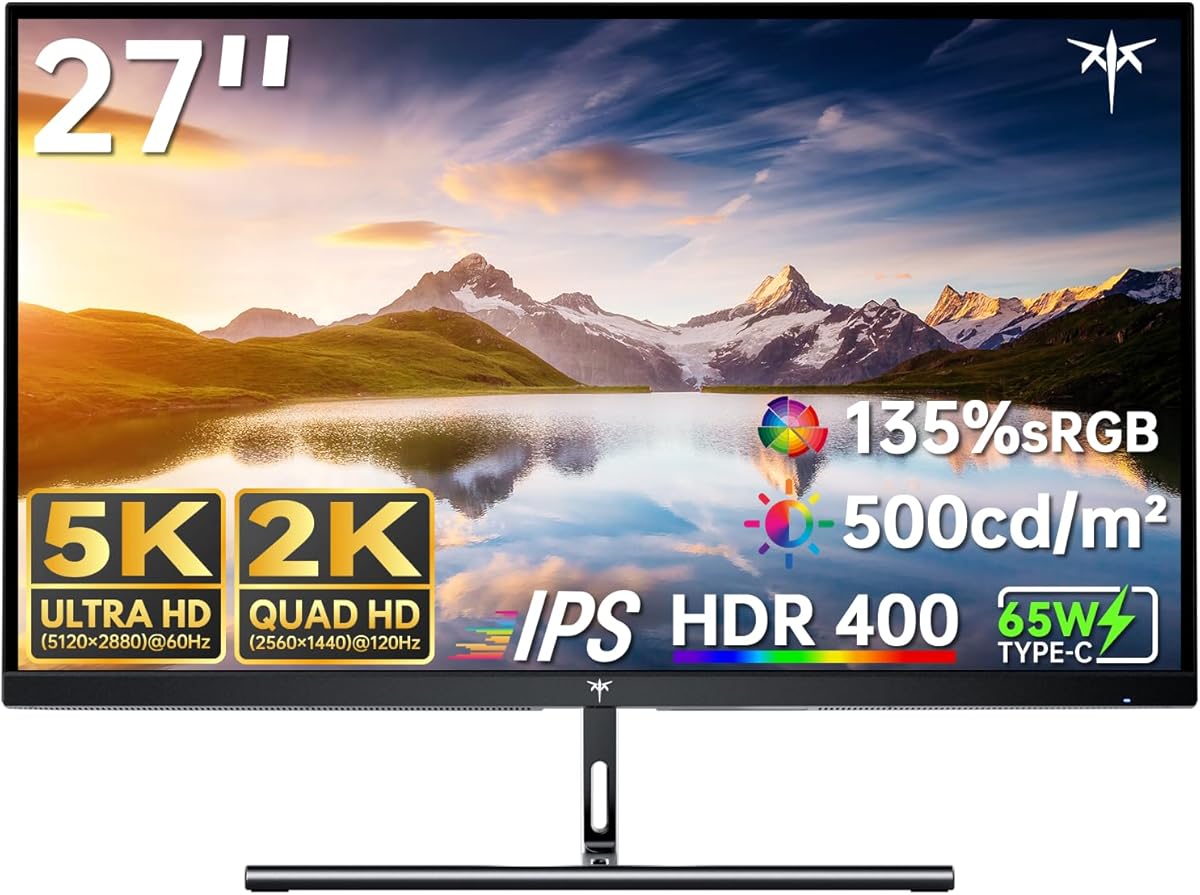
KTC 5K Monitor 27 Inch, 5K2K Dual Mode with 65W Type-C Port
4.4Editor score
60Hz 5K 120Hz 2K modes
99% DCI-P3 color gamut
65W Type-C fast charging
Finding the right display is crucial for modern workflows. A 27 Inch 5K Monitor offers exceptional clarity and workspace. It delivers sharp visuals for creative tasks and detailed gaming experiences without compromise.
We evaluated ten leading models based on resolution, panel type, color accuracy, and connectivity. Our analysis focuses on real-world performance for professionals who need precision and gamers seeking speed and immersion in equal measure.
Each pick highlights specific strengths like USB-C power delivery or fast refresh rates. Prices and availability change frequently so check current listings before buying. These models represent the best balance of quality and value available this month.
4.4Editor score

3.6Editor score
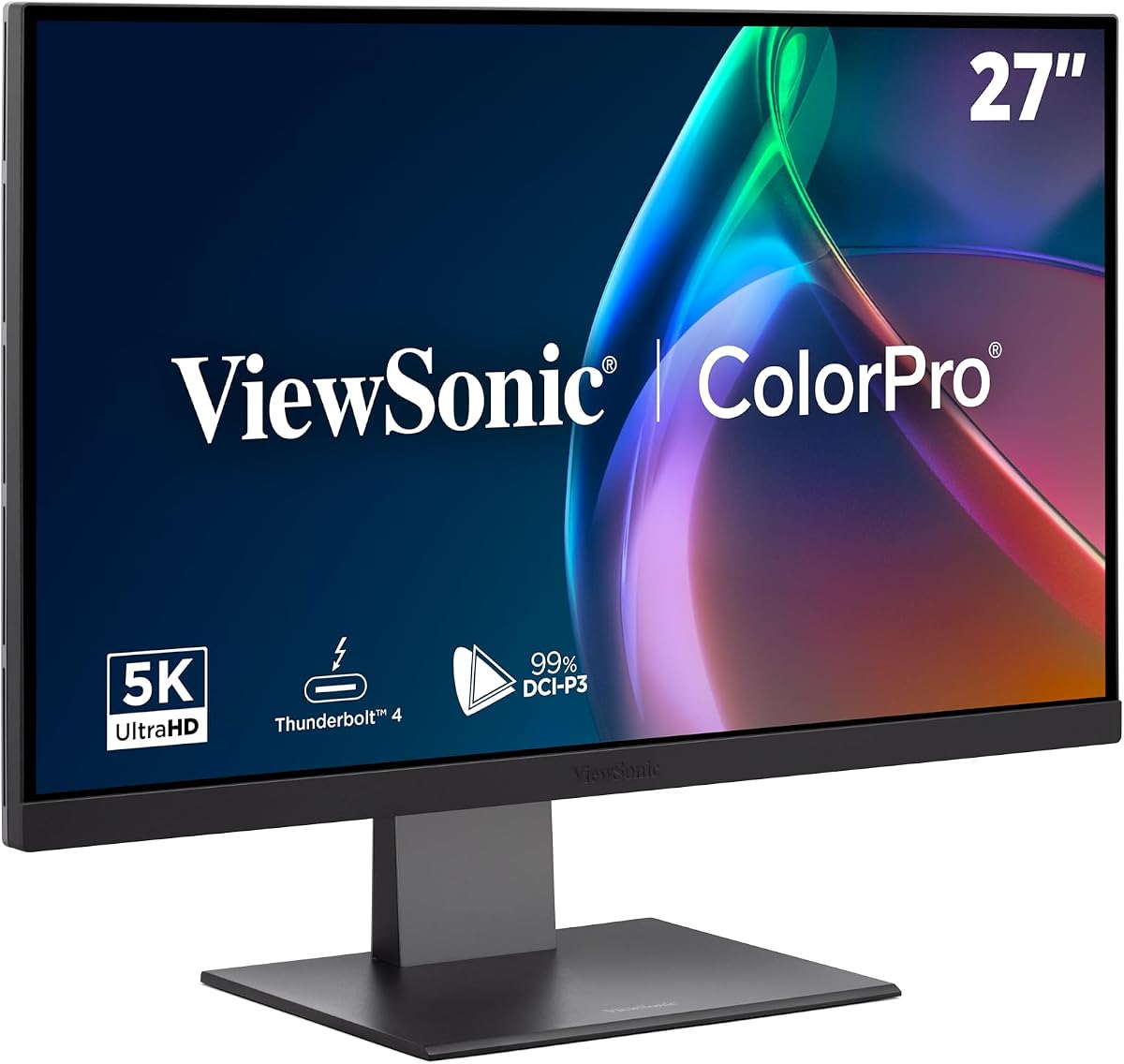
3.7Editor score
As an Amazon Associate we earn from qualifying purchases.
The table below provides a side-by-side comparison of all ten monitors analyzed in this guide. Each entry highlights key specifications including resolution, refresh rates, color coverage, and connectivity options to help you make an informed decision quickly.


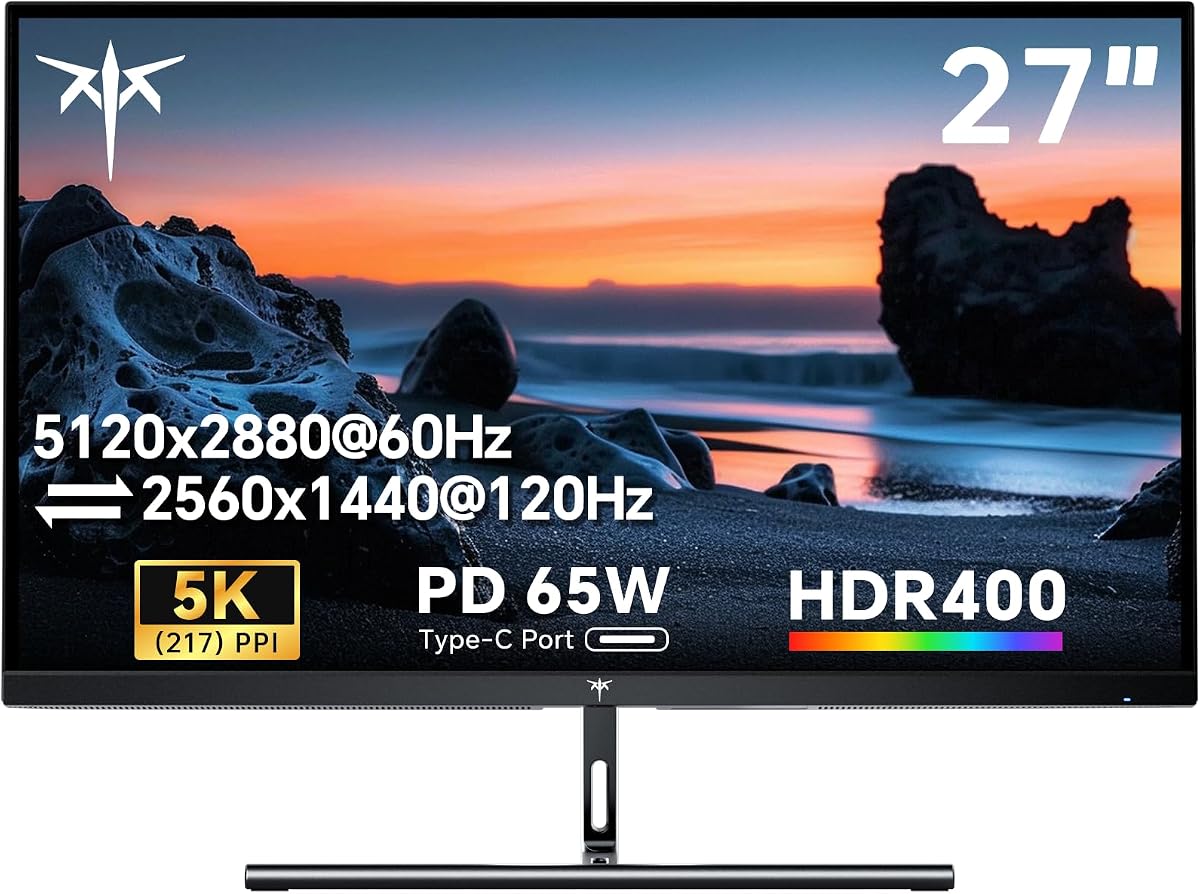
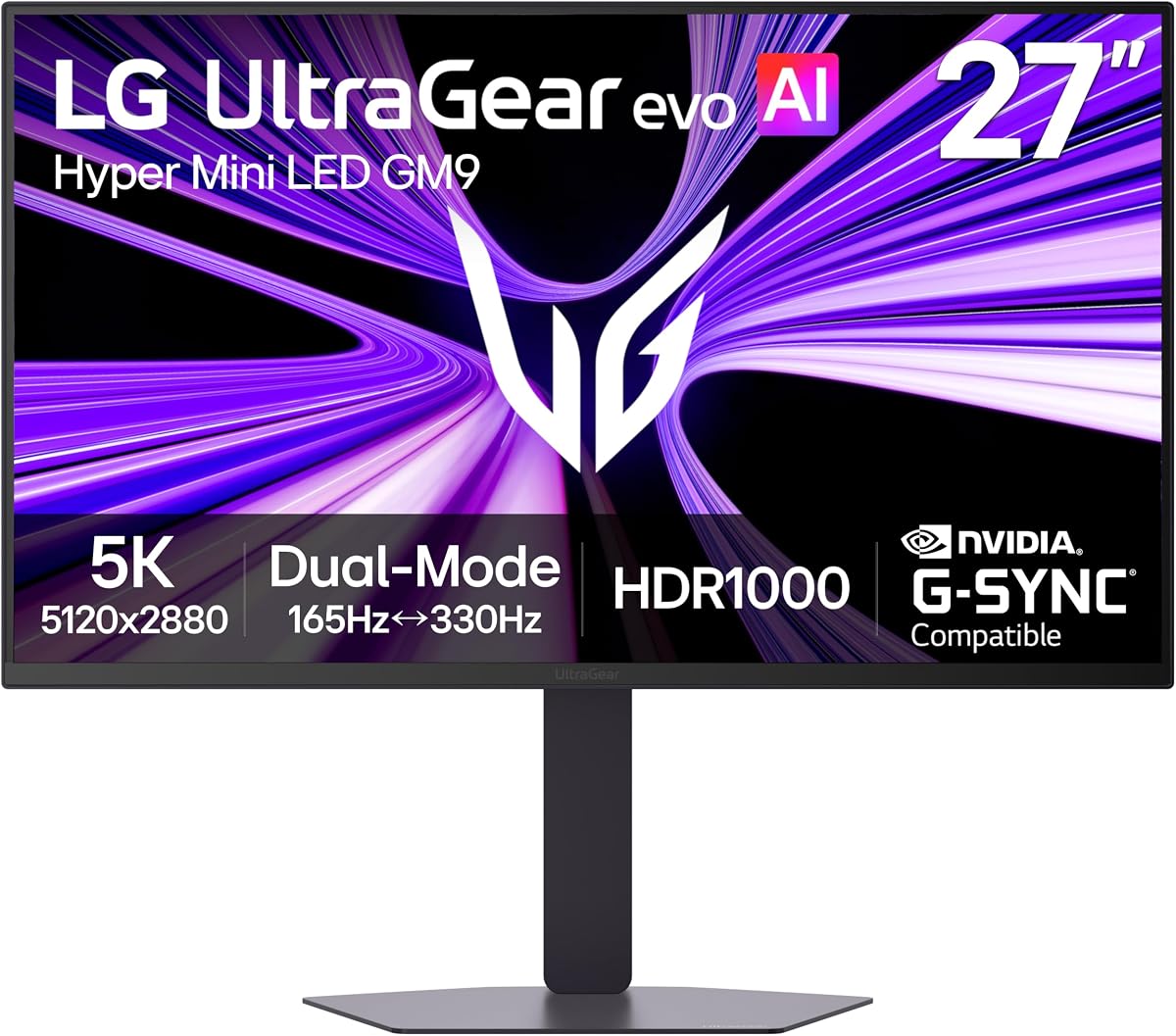


The ASUS ProArt PA27JCV stands out as a top choice for professionals needing precision. With a 5K resolution and factory calibration, it delivers reliable visuals for creative workflows.
We may earn a commission when you buy through this link, at no additional cost to you.
Its coverage of 99% DCI-P3 and 100% sRGB ensures vibrant colors. The ambient light sensor adjusts brightness automatically for consistent viewing conditions.
While the price is higher, the included five-year warranty adds value. The 96W power delivery reduces cable clutter for laptop users.
Buyers seeking accurate color for design or video editing will find this monitor excellent. It balances performance and reliability for professional desktop setups.
The factory calibration ensures Delta E less than 2, vital for design work. This level of precision matches industry standards.
A single USB-C cable handles display data and charging. The 96W delivery supports most laptops effectively.
We may earn a commission when you buy through this link, at no additional cost to you.
The Samsung Odyssey G8 targets gamers wanting high resolution and speed. It offers 5K visuals alongside fast refresh rates for responsive play.
We may earn a commission when you buy through this link, at no additional cost to you.
Dual Mode allows switching between 5K and QHD with higher rates. The Fast IPS panel reduces motion blur during action sequences.
G-Sync compatibility ensures smooth gameplay without tearing. HDR10+ enhances contrast for immersive environments in supported titles.
Gaming enthusiasts looking for sharp visuals and speed should consider this model. It combines professional-grade resolution with gaming performance features.
Up to 180Hz in 5K mode keeps motion smooth. Dual Mode helps competitive play at QHD.
HDR10+ and G-Sync improve contrast and fluidity. The 218 PPI ensures crisp details.
We may earn a commission when you buy through this link, at no additional cost to you.
The ASUS ROG XG27JCEG combines sharp visuals with rapid response speeds. It is ideal for gamers who demand precision and high frame rates.
We may earn a commission when you buy through this link, at no additional cost to you.
Dual Mode enables switching to 320Hz at QHD for competitive play. HDR 600 delivers deep contrast and vibrant colors during sessions.
The 0.3ms response time minimizes motion blur effectively. AI features like Dynamic Shadow Boost aid visibility in dark scenes.
Competitive gamers seeking detailed 5K visuals with speed will appreciate this model. It offers robust features for an immersive gaming setup.
The 0.3ms response time ensures clear motion. Dual Mode supports both detail and speed.
HDR 600 provides better contrast. AI tools assist visibility in games.
We may earn a commission when you buy through this link, at no additional cost to you.
The KTC 27 Inch 5K Monitor offers great value for Mac users. It provides sharp details and broad color support at an accessible price point.
We may earn a commission when you buy through this link, at no additional cost to you.
Coverage of 135% sRGB ensures vibrant visuals for media. Dual Mode allows switching to higher refresh rates for smoother tasks.
The 65W USB-C port simplifies setup for laptops. VESA mounting compatibility helps users tailor their workspace setup.
Budget-conscious buyers needing high resolution and color fidelity will find this appealing. It delivers strong performance without excessive costs.
Sharp details come at a lower cost. Ideal for Mac mini users.
The wide gamut supports creative work. HDR enhances contrast effectively.
We may earn a commission when you buy through this link, at no additional cost to you.
The KTC 5K Monitor 27 Inch is a strong budget option. It balances high resolution with professional color accuracy for various tasks.
We may earn a commission when you buy through this link, at no additional cost to you.
Delta E less than 2 ensures colors appear true to life. Switching modes between 5K and QHD supports both work and play.
Eye care features reduce strain during long sessions. The 65W USB-C port handles power and data efficiently.
Professionals seeking affordable color precision will benefit from this model. It offers essential features without compromising on quality.
Factory calibration provides reliable visuals. Great for design tasks.
Flicker-free technology protects eyes. Blue light reduction adds comfort.
We may earn a commission when you buy through this link, at no additional cost to you.
The LG 27GM950B-B pushes limits with Mini-LED backlighting. It delivers intense brightness and deep contrast for stunning visuals.
We may earn a commission when you buy through this link, at no additional cost to you.
HDR 1000 certification brings vivid highlights to gaming. AI Upscaling improves content resolution without extra GPU load.
The 165Hz refresh rate keeps action smooth. Dual Mode adapts to different gaming needs easily.
Gamers wanting high-end brightness and sharp details will appreciate this monitor. It offers advanced tech for premium setups.
Mini-LED provides deep blacks. High brightness improves HDR.
AI Upscaling enhances detail. Dual Mode optimizes speed.
We may earn a commission when you buy through this link, at no additional cost to you.
The Dell S2725QC is a solid choice for those not needing 5K. It offers sharp 4K visuals with a higher refresh rate for multitasking.
We may earn a commission when you buy through this link, at no additional cost to you.
ComfortView Plus reduces harmful blue light for eye comfort. The FreeSync Premium feature ensures smooth playback during use.
Build quality remains reliable for daily office tasks. The stand supports ergonomic adjustments easily.
Buyers prioritizing budget and standard resolution will find this suitable. It balances performance for work and casual viewing.
Low blue light helps comfort. Stand adjusts well.
99% sRGB ensures accuracy. 120Hz supports smooth motion.
We may earn a commission when you buy through this link, at no additional cost to you.
The LG 27UP850K-W is tailored for creative professionals on a budget. It provides 4K resolution with strong color accuracy for design.
We may earn a commission when you buy through this link, at no additional cost to you.
HDR 400 support enhances contrast for images. The built-in speakers reduce the need for external audio.
Connectivity options include USB-C for charging devices. The ergonomic stand supports comfortable positioning.
Creatives needing reliable color and connectivity will appreciate this monitor. It offers practical features for daily workflows.
Good DCI-P3 coverage. Ideal for photo editing.
USB-C handles power well. Multiple ports offer flexibility.
We may earn a commission when you buy through this link, at no additional cost to you.
The BenQ PD2730S is built for Mac-centric creative environments. It features a Nano Matte panel to reduce glare and reflections.
We may earn a commission when you buy through this link, at no additional cost to you.
Color accuracy is high for precision work. The KVM switch simplifies workflow between different systems.
Thunderbolt 4 ensures fast data transfer and charging. Daisy chain support helps expand workstations easily.
Design professionals using Mac will find this monitor ideal. It offers tailored features for a streamlined setup.
Nano Matte reduces reflections. Colors are vibrant.
Thunderbolt 4 connects well. Daisy chain works smoothly.
We may earn a commission when you buy through this link, at no additional cost to you.
The ViewSonic VP2788-5K is optimized for Mac designers seeking top precision. It comes with Pantone Validated color assurance for professional output.
We may earn a commission when you buy through this link, at no additional cost to you.
100W Thunderbolt 4 keeps devices powered efficiently. Daisy chain support allows multi-monitor setups easily.
The ergonomic stand provides excellent adjustability. High contrast ensures colors are true to life.
Designers needing certified color accuracy will value this model. It supports high-end workflows effectively.
Pantone validation ensures reliability. Great for print work.
100W power is robust. Daisy chain simplifies setups.
We may earn a commission when you buy through this link, at no additional cost to you.
Selecting the right 27 Inch 5K Monitor involves evaluating several key factors that match your specific needs and workflow requirements.
A 27-inch 5K display typically offers a 5120 by 2880 resolution, providing around 218 pixels per inch. This high pixel density results in sharper text and finer details which are essential for graphic design, video editing, and coding tasks. While lower resolutions may suffice for basic use, 5K ensures you see every detail clearly without scaling artifacts.
Look for monitors that support native 5K output from your computer to avoid scaling issues. Ensure your GPU or Thunderbolt connection supports this bandwidth.
For creative work, color accuracy is paramount. Look for monitors with factory calibration and Delta E less than 2 to ensure colors match industry standards. Wide color gamut coverage like 99% DCI-P3 or 100% sRGB ensures that vibrant and accurate colors are displayed consistently across different platforms.
Prioritize models with Pantone validation or professional color space coverage for high-end design tasks. Check if the monitor includes built-in calibration tools or supports external calibration hardware.
IPS panels are generally preferred for wide viewing angles and accurate colors, making them ideal for professional work. Gaming monitors may use Fast IPS for faster response times, while Mini-LED panels offer higher brightness and contrast. Refresh rates vary from 60Hz for static work to 120Hz or higher for dynamic content.
Choose a panel type that suits your primary activity. For mixed use, a standard IPS with decent refresh rate offers the best balance of color and speed.
USB-C or Thunderbolt connectivity is crucial for modern setups. It allows video, data, and power transfer through a single cable. Look for USB-C ports with Power Delivery ratings of 65W or higher to charge laptops while driving the display. DisplayPort and HDMI 2.1 options ensure compatibility with various devices.
Verify that your laptop or desktop supports the required bandwidth for 5K resolution. Thunderbolt 4 is the most reliable option for Mac users seeking high performance.
A good monitor should include a stand with height, tilt, swivel, and pivot adjustments. This flexibility helps maintain proper posture during long work sessions. VESA mount compatibility allows for flexible mounting solutions if you prefer a wall or arm setup.
Consider the build quality and warranty terms. Professional monitors often come with extended warranties and better build materials to ensure longevity in demanding environments.
Features like KVM switches allow control of multiple computers with one keyboard and mouse. Daisy chain support can expand your workspace without extra cables. Built-in speakers or eye care technologies like flicker-free and blue light reduction add to the overall user experience.
Evaluate these features based on your workflow complexity. Advanced connectivity options can significantly reduce desk clutter and improve productivity.
To maximize performance, ensure your computer's graphics card supports 5K resolution at the desired refresh rate. Use certified high-speed cables like Thunderbolt 4 or DisplayPort 1.4 to avoid bandwidth limitations or connection drops during use.
Adjust brightness and color temperature to match your room's lighting. Use ambient light sensors if available or software tools to maintain consistent visuals. This reduces eye strain during long working hours.
Clean the screen gently with a microfiber cloth and avoid harsh chemicals. Keep vents free from dust to prevent overheating. Regularly check for firmware updates to maintain stability and performance over time.
No, you do not need a Mac. While many 5K monitors are optimized for macOS due to high-resolution scaling, they work with Windows PCs that support high-resolution DisplayPort or USB-C video output. Check your system's capabilities before purchase.
For 5K at 60Hz, you typically need a DisplayPort 1.4 or USB-C cable with DisplayPort Alt Mode supporting high bandwidth. Thunderbolt 3 or 4 cables are ideal for Macs and high-performance PCs. Ensure the cable is rated for the resolution you need.
Yes, some 5K monitors offer high refresh rates and adaptive sync technologies ideal for gaming. However, driving 5K resolution requires a powerful GPU. Many gaming models include dual modes allowing lower resolutions for higher frame rates.
Many of these models support daisy chaining via DisplayPort or Thunderbolt. This allows you to connect multiple monitors in a series using fewer ports. Ensure your computer supports the necessary output for multi-monitor setups.
Delta E measures color accuracy compared to a standard. A lower value means colors are closer to real life. Professional monitors aim for Delta E less than 2 ensuring high fidelity. This is vital for design and photo editing work.
If your work involves detailed design, video editing, or coding, 5K offers more workspace and clarity. For general tasks, 4K may suffice. Consider your usage and budget to determine if the extra resolution provides value for your needs.
The ASUS ProArt PA27JCV, Samsung Odyssey G8, and ViewSonic VP2788-5K lead this roundup with their respective strengths in professional accuracy, gaming speed, and high-end Mac integration. Each model brings distinct benefits tailored to specific workflows and preferences.
When selecting a monitor, prioritize color accuracy for creative tasks or refresh rates for gaming. Ensure your computer supports the necessary connections to unlock full performance. These features significantly impact your daily productivity and satisfaction.
Prices and availability vary so always check current listings before making a purchase. Staying updated ensures you get the best deal on these high-performance displays. Happy shopping for your ideal setup.