
Canon CanoScan LiDE 300
4.2Editor score
Auto Scan Mode detection
Compact USB-powered design
PDF and copy functions
Finding the right scanner for your home or office can be challenging when you need to digitize photos, documents, or large format items. A quality flatbed scanner ensures your originals are captured with clarity and precision without damaging the source material during the process.
We have evaluated ten leading models based on optical resolution, scanning speed, software capabilities, and build quality. Our comparison focuses on devices that support standard document sizes while offering flexibility for photos, books, and oversized items like blueprints or artwork.
Each pick below highlights specific strengths and ideal use cases to guide your decision. While we aim to provide accurate information, please note that product availability and specifications may change over time, so verify details before purchasing.
4.2Editor score

3.7Editor score

3.7Editor score
As an Amazon Associate we earn from qualifying purchases.
The table below provides a side-by-side overview of the key specifications for each model, helping you quickly identify which device matches your specific scanning needs and workspace constraints.




The Epson Perfection V39 II stands out as a dedicated photo scanning solution with its 4800 dpi optical resolution. It is designed to help users digitize and restore old photos quickly using included software tools.
We may earn a commission when you buy through this link, at no additional cost to you.
Its key strength lies in the ability to produce detailed, clear scans suitable for enlargements. The high-rise removable lid allows scanning of thick items like books without removing pages, which is ideal for preserving physical media.
However, some users note that the software interface can take time to master for advanced adjustments. Additionally, while the hardware is functional, it is not built for heavy industrial daily use.
This scanner is best suited for home users and archivists who need to bring faded family photos back to life without investing in professional-grade equipment.
The Easy Photo Fix technology allows you to restore color to faded images with a single click.
Being USB-powered, this unit requires no external power source, making it easy to move around your home office.
We may earn a commission when you buy through this link, at no additional cost to you.
The Canon CanoScan LiDE 300 is an accessible choice for those needing basic document digitization. It features Auto Scan Mode which simplifies the workflow by detecting content automatically.
We may earn a commission when you buy through this link, at no additional cost to you.
Its primary advantage is the combination of ease of use and portability. The scanner is lightweight and powered directly via USB, meaning you do not need extra cables or adapters.
On the downside, it is primarily optimized for standard documents rather than oversized formats. Scanning speeds are also moderate, which might not suit high-volume workflows.
If you need a simple, cost-effective device for home office documents, this model offers reliable performance without unnecessary complexity.
Auto Scan Mode detects what you are scanning and adjusts settings to ensure consistent results.
No external power adapter is required, allowing for clean cable management and easier transport.
We may earn a commission when you buy through this link, at no additional cost to you.
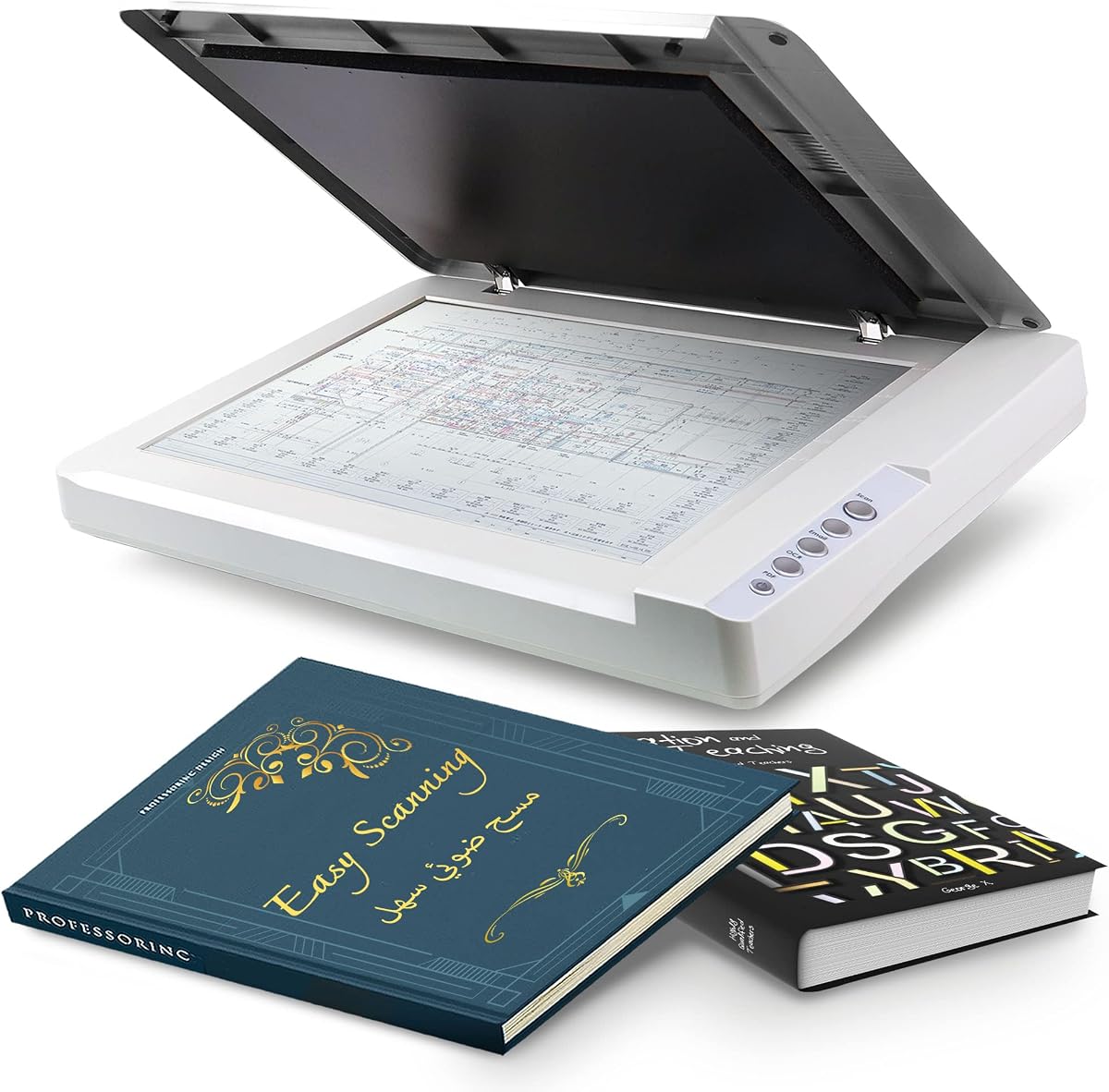
The VIISAN 3120 A3 is designed for users who need to scan oversized items like blueprints or large artwork. Its frameless design allows for scanning right up to the edge of the glass.
We may earn a commission when you buy through this link, at no additional cost to you.
Key strengths include its scanning speed and resolution for large documents. The auto-scan function automatically starts when the lid closes, which improves efficiency in busy environments like libraries.
Limitations include the use of a CIS sensor which is not suitable for scanning 3D objects or items like CDs. Additionally, achieving full resolution may require specific software drivers.
This scanner is highly recommended for schools, design studios, or offices that handle large documents regularly but do not need professional photo-grade depth.
The narrow boundary design allows you to capture the full page without cutting off text on the edges.
Using LED technology means no warm-up time is needed, saving energy and allowing instant scanning.
We may earn a commission when you buy through this link, at no additional cost to you.
The VIISAN VF3240 A3 emphasizes speed and high-resolution output for large format needs. It claims a four-second scan time for A3 documents at standard resolution.
We may earn a commission when you buy through this link, at no additional cost to you.
Its strengths include a high 2400 DPI resolution which captures fine details in CAD drawings or architectural plans. The frameless design again supports full-page capture without cropping.
However, full resolution may be limited on Windows depending on the driver used. It is also restricted to flat paper, so it cannot scan bulky items or 3D objects.
For professionals in engineering or business needing rapid digitization of large sheets, this model offers a compelling balance of speed and clarity.
Achieve maximum scanning speed of four seconds for A3 color documents at 200 DPI resolution for quick workflows.
Four buttons allow direct actions like scan, email, print, and PDF creation without opening software.
We may earn a commission when you buy through this link, at no additional cost to you.
The Epson Perfection V19 II is a compact unit tailored for photo enthusiasts. It offers high-resolution scanning suitable for detailed enlargements and archive creation.
We may earn a commission when you buy through this link, at no additional cost to you.
Its main strengths are the space-saving kickstand and the intuitive one-touch scanning buttons. It includes software that simplifies restoring color to faded photos easily.
One trade-off is its focus on photos rather than large documents. It handles standard page sizes well but lacks the versatility of larger platen scanners.
This model is ideal for home users who prioritize photo preservation and want a small footprint on their desk.
The built-in kickstand allows for vertical placement and storage when not in use.
Scan to editable Microsoft Office documents with optical character recognition for better workflow.
We may earn a commission when you buy through this link, at no additional cost to you.
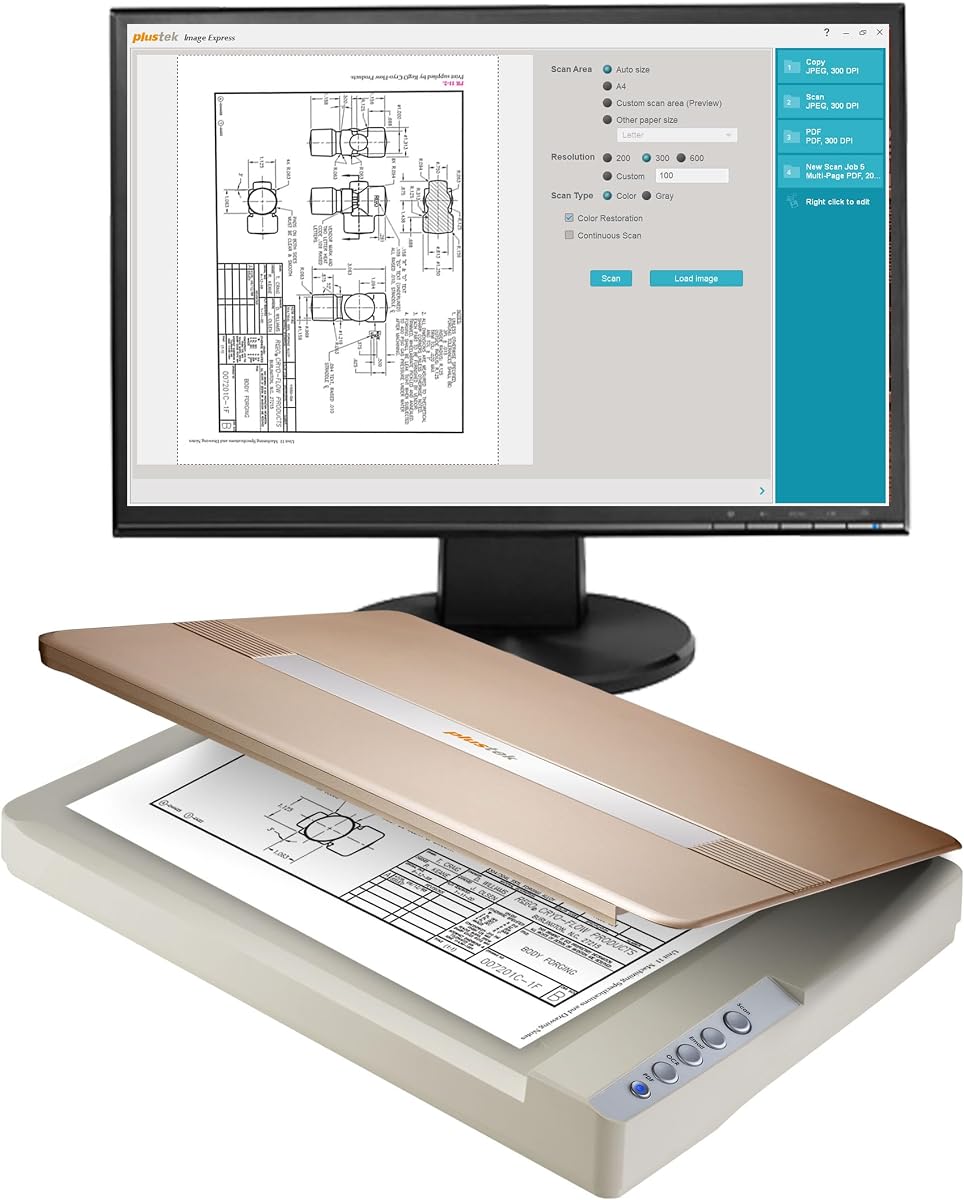
The Plustek OpticPro A320E is built for professional large-format scanning tasks. It supports up to 12×17 inch documents making it suitable for maps and drawings.
We may earn a commission when you buy through this link, at no additional cost to you.
Its strengths lie in file management and productivity features like Doc Action and OCR. These tools help convert scans into searchable PDFs and automate common tasks.
The device is heavier and more expensive than desktop photo scanners. It is better suited for dedicated workspaces rather than home desks.
If you frequently handle oversized documents and need robust software integration, this scanner provides the necessary flexibility.
With Doc Action, you can save scans to different file formats and access post-scan destinations directly.
You can scan multiple printed images at once and save them as a single multipage PDF file.
We may earn a commission when you buy through this link, at no additional cost to you.
The Plustek OpticSlim 1680 targets users who need to scan tabloid size documents quickly. It offers speed without sacrificing resolution for standard formats.
We may earn a commission when you buy through this link, at no additional cost to you.
Key features include four pre-configured buttons that allow you to finish all jobs with a single touch. The intuitive interface simplifies image adjustments and settings.
While it is fast, it is not designed for three-dimensional objects. It is best used for flat documents and reports that need to be digitized rapidly.
This model fits well in small offices where space is limited but speed and simplicity are priorities for document handling.
Scan tabloid size documents in just three seconds for gray mode or five seconds for color mode.
Use four buttons set for specific tasks to avoid navigating complex software menus repeatedly.
We may earn a commission when you buy through this link, at no additional cost to you.
The Plustek OS1180 is tailored for libraries and schools with its focus on A3 format scanning. It scans documents quickly and efficiently using LED technology.
We may earn a commission when you buy through this link, at no additional cost to you.
Its strengths include a powerful software bundle with ABBYY OCR for high accuracy. The LED light source ensures no warm-up time, saving energy during continuous use.
It is designed for flat materials and does not support 3D objects. Users must place documents carefully to avoid misalignment.
This scanner is an excellent choice for educational institutions looking to digitize large volumes of standard and large documents.
The LED Light Source saves energy and eliminates the need for warm-up time before scanning.
Enhanced OCR accuracy with ABBYY ensures your text is searchable and editable after scanning.
We may earn a commission when you buy through this link, at no additional cost to you.
The Epson DS-1630 combines a flatbed with an auto document feeder for versatile scanning. It is designed for high-volume document workflows in office environments.
We may earn a commission when you buy through this link, at no additional cost to you.
Its strengths include duplex scanning and cloud integration for seamless archiving. The color adjustments automatically correct skew and background issues during the process.
While it is excellent for paper documents, the flatbed is smaller than dedicated large-format units. It may not be the first choice for scanning oversized items.
Choose this model if you need to scan stacks of paper regularly and value the ability to connect to online storage services.
Scan stacks of documents up to 25 ppm with a 50-page ADF to boost productivity.
Intuitively scan to Dropbox, SharePoint, Evernote and Google Drive with Document Capture software.
We may earn a commission when you buy through this link, at no additional cost to you.
The Plustek OpticSlim 2700 is recognized for its fast scan speed, offering a three-second scan time at standard resolution. It prioritizes efficiency for quick document digitization.
We may earn a commission when you buy through this link, at no additional cost to you.
Its key strengths are the built-in PDF button and image processing tools that automate cropping and deskewing. This reduces the manual editing time needed after scanning.
The device is optimized for standard page sizes rather than large format. It is best used for high-speed office tasks where output format is key.
If you need to digitize pages quickly and want files that are ready to edit immediately, this scanner is a solid option.
Scan quickly and easily up to 3 seconds at 300dpi in Color mode for rapid throughput.
Software can Auto Rotate, Deskew, and Crop images to save time on manual adjustments.
We may earn a commission when you buy through this link, at no additional cost to you.
Selecting the right flatbed scanner involves considering several key factors that impact performance, quality, and workflow efficiency. We have outlined the most important aspects to help you make an informed decision.
Optical resolution determines the level of detail your scanner can capture. For general documents 300 to 600 dpi is sufficient but for photos or artwork 1200 to 4800 dpi is recommended to ensure sharpness.
Higher resolution results in larger file sizes so balance your need for detail with storage capacity.
Speed is critical if you need to scan large volumes regularly. Some models offer auto-scan features or LED lights that reduce warm-up time and increase throughput.
Look for scanners that advertise fast scan times for the specific page size you use most often.
Ensure the scanner can handle your largest document size. Standard scanners cover letter size but some support A3 or tabloid formats for oversized items like blueprints.
Choose a model with a large glass bed if you frequently scan books or large artwork.
Software plays a key role in converting scans into usable files. Look for OCR capabilities that allow you to search text within PDFs and tools for correcting color or alignment.
Software that supports cloud storage integration can streamline your workflow by saving directly to online folders.
USB connectivity is standard but some units offer network options for shared use. Wireless models can reduce cable clutter but may have slightly slower transfer speeds.
Verify that the scanner supports your operating system to avoid driver installation issues.
A sturdy build ensures longevity especially in high-traffic environments. Plastic units are lighter but metal components may offer more durability over time.
Check for features like a removable lid if you need to scan books or thick items.
Budget-friendly models are often enough for home use but professional scanners cost more for higher resolution and speed. Define your needs clearly to avoid overspending on unused features.
Remember that software included in the box can add value beyond the hardware cost.
Start by placing your document face down on the glass aligning it with the corner markers for best results. Close the lid gently to ensure the image is not distorted during the scan.
Use the provided software to select the output format such as PDF or JPEG and adjust resolution settings based on your needs. For photos use higher DPI settings and for text choose lower ones to save space.
Clean the glass regularly with a soft microfiber cloth to remove dust or fingerprints that may affect scan quality. Avoid using harsh chemicals that could damage the protective coating on the glass.
Optical resolution refers to the physical capability of the scanner hardware to capture detail while interpolated resolution is achieved through software algorithms that guess missing pixels. Optical resolution provides true quality whereas interpolated resolution may appear sharp but lacks real detail.
Many models feature a high-rise removable lid that allows scanning of open books without removing the pages. However always ensure the book lies flat enough to avoid shadows or curvature in the scan.
Most scanners require drivers or software to function properly on Mac. Check the compatibility list for your OS version to download the correct drivers before connecting the device.
Use built-in OCR software to make your PDFs searchable and editable. Save them in cloud storage folders to back up your digital archives and ensure they are accessible when needed.
For high-quality photo printing a resolution of at least 300 dpi is recommended. If you plan to enlarge photos significantly a higher resolution such as 600 dpi or more will help maintain clarity.
Blurry scans often result from a dirty glass surface or moving the original during the scan. Ensure the glass is clean and the lid is closed securely to prevent any shifting of the document.
We have reviewed ten distinct models ranging from budget-friendly photo scanners to high-speed document units. Each offers unique advantages depending on whether you prioritize image clarity or workflow speed.
Consider your primary use case when making a selection. If you focus on preserving family photos a model with photo restoration features is ideal while office workers should look for speed and OCR tools.
Always verify current specifications and availability before purchasing. Prices and features may change so checking the latest details ensures you get the right tool for your scanning needs.