
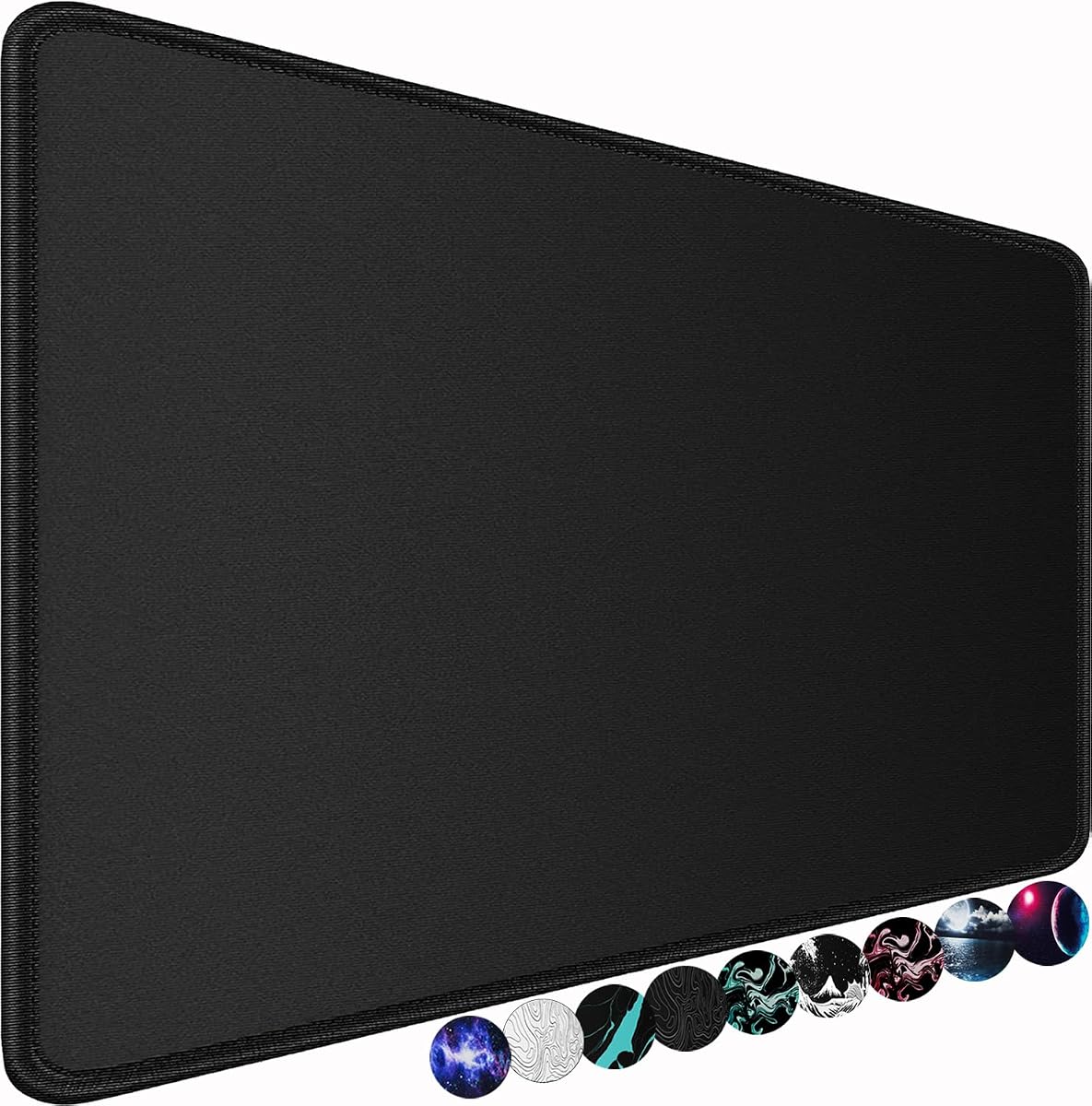
KTRIO Large Gaming Mouse Pad
4.7Editor score
31.5 by 11.8 inch extended size
Anti-fray stitched edges for durability
Water-resistant surface for easy cleaning
Finding the right gaming pad for desks can transform your workspace into a precision engine. A quality mat ensures smooth tracking reduces friction and protects your desk from wear and tear during intense sessions.
We compared ten top-rated models based on surface texture durability size and base stability. Each product was evaluated for consistency across optical and laser sensors as well as long-term build quality for daily use.
Each pick highlights key strengths ideal use cases and standout features. Note that availability and pricing may change over time so check current listings before making your final decision for your desk setup.
4.7Editor score

4.7Editor score

4.7Editor score
As an Amazon Associate we earn from qualifying purchases.
The following table provides a side-by-side comparison of all ten models evaluated in this guide. Each entry lists key specifications and direct links so you can quickly assess which pad fits your needs.




The SteelSeries QcK XXL stands out as a top choice for gamers seeking reliability and ample desk space. With over 10 million units sold its reputation is well earned across competitive and casual setups alike.
We may earn a commission when you buy through this link, at no additional cost to you.
Its micro-woven cloth surface optimizes tracking for both optical and laser sensors ensuring pinpoint accuracy during rapid movements. The non-slip rubber base eliminates unwanted shifts even during intense gameplay sessions.
While the pad is quite large at 35 by 16 inches it may require a spacious desk to accommodate fully. Additionally the thickness is minimal but may feel less cushioned than premium foam options.
Ideal for esports fans and desk users wanting a proven performer this pad delivers consistent results year after year. Its blend of durability and performance makes it a standout recommendation for any setup.
The high thread count cloth ensures smooth and accurate cursor movement across the entire surface.
Its large dimensions protect your workspace from scratches while providing room for both keyboard and mouse.
We may earn a commission when you buy through this link, at no additional cost to you.
The KTRIO Large Gaming Mouse Pad offers exceptional value for budget-conscious buyers who still demand performance. Its extended size provides ample room for keyboard and mouse while maintaining a clean desk aesthetic.
We may earn a commission when you buy through this link, at no additional cost to you.
The micro-weave cloth surface delivers smooth tracking and controlled stopping power suitable for both work and play. Anti-fray stitched edges reinforce durability ensuring the pad lasts longer than unbound alternatives.
Although it is thinner than some premium mats the natural rubber base grips securely to prevent sliding. The water-resistant coating allows quick cleanup of spills making it practical for everyday use.
Best for students and casual gamers this pad balances cost and function effectively. Its reliable performance and sturdy build make it a smart choice for anyone seeking affordability without compromise.
Reinforced edges prevent peeling and fraying over time for extended product life.
Spill-resistant coating keeps the surface clean with minimal effort after accidental liquid spills.
We may earn a commission when you buy through this link, at no additional cost to you.
This large gaming mouse pad features a generous 31.5 by 15.7 inch surface that accommodates even the widest mechanical keyboards. The breathable lycra surface provides a smooth tracking experience while remaining comfortable during long sessions.
We may earn a commission when you buy through this link, at no additional cost to you.
Its water-resistant coating ensures spills slide off rather than soaking into the material. This protective layer combined with professional edge stitching extends the mat's usable life in active environments.
Users may notice a slight tendency to curl when first unboxed but flattening usually occurs after a few days of use. The thicker material also muffles typing noise adding subtle acoustic benefits.
Recommended for users prioritizing width and comfort this pad offers a solid foundation for daily tasks. Its blend of practical features and soft texture makes it a strong contender among mid-range options.
Soft lycra material feels pleasant under the wrists during extended gaming or typing sessions.
Spilled liquids bead up and slide off allowing for quick cleanup without permanent staining.
We may earn a commission when you buy through this link, at no additional cost to you.
The Logitech G840 XL is engineered to complement Logitech G sensors delivering optimized accuracy and precision. Its consistent surface texture ensures reliable cursor translation across the entire pad even at high speeds.
We may earn a commission when you buy through this link, at no additional cost to you.
Moderate surface friction provides the right balance for rapid movements and sudden stops common in competitive play. The no-slip rubber base keeps the pad stable during sweeping motions ensuring uninterrupted focus.
While the price is higher than many generic alternatives the performance gains for users with Logitech hardware are noticeable. The minimal black design suits professional setups but lacks vibrant visual flair.
Best for competitive players using Logitech peripherals this pad offers tailored performance. Its precise engineering and stable base make it a top pick for those prioritizing function over form.
Surface is calibrated to work seamlessly with Logitech G sensors for reduced lift and repositioning.
Rubber bottom prevents bunching and slipping during aggressive movements for consistent control.
We may earn a commission when you buy through this link, at no additional cost to you.
This extended gaming mouse pad combines generous dimensions with high-quality stitching for lasting durability. The 31.5 by 15.7 inch size fits most desktop layouts comfortably while keeping accessories organized.
We may earn a commission when you buy through this link, at no additional cost to you.
Made of non-toxic high elasticity natural rubber the base grips firmly without slipping. Nylon stitched edges reinforce the perimeter preventing fraying and peeling over extended periods of use.
A waterproof coating adds an extra layer of protection against accidental spills. While the rubber base may carry a slight smell at first it dissipates quickly after unboxing and cleaning.
Ideal for users seeking longevity and stability this pad offers excellent value. Its robust construction and reliable grip make it a dependable choice for both gaming and office environments.
High elasticity rubber ensures the pad stays flat and secure even on uneven desk surfaces.
Nylon stitching along edges prevents wear and tear ensuring a clean look for years.
We may earn a commission when you buy through this link, at no additional cost to you.
The DIGSOM Gaming Mouse Pad stands out with its minimalist topographic line design that adds visual interest to any desk. Its superior printing technology ensures vibrant colors remain bright through long-term daily use.
We may earn a commission when you buy through this link, at no additional cost to you.
The smooth cloth surface allows precise mouse control while the non-slip rubber bottom keeps the pad securely in place. A spill-proof coating guards against accidental drinks enabling quick cleanup with a damp cloth.
Users seeking a narrower profile may appreciate this pad's compact footprint though it offers less room for keyboard movement. The modern aesthetic appeals to those wanting a clean professional look with subtle flair.
Best for design-focused users this pad balances style and functionality well. Its durable print and reliable performance make it a compelling choice for stylish desk setups.
Topographic line pattern provides a sleek minimalist look suitable for home or office desks.
Advanced printing technology ensures the design stays vibrant even after repeated cleaning.
We may earn a commission when you buy through this link, at no additional cost to you.
The Kanagawa Large Mouse Pad features a vivid Japanese sea wave print that transforms your desk into a visual showcase. Advanced printing technology ensures the pattern remains clear even after multiple cleaning cycles.
We may earn a commission when you buy through this link, at no additional cost to you.
Its ultra-smooth surface allows silky mouse movement while the soft fabric provides comfort during extended use. Precision stitching along the edges enhances durability and adds a refined finish to the mat.
While the artwork is eye-catching it may eventually show signs of wear with heavy usage. The narrower width accommodates most setups but leaves less lateral space than wider alternatives.
Recommended for gamers who value aesthetics this pad blends art and utility seamlessly. Its quality construction and vibrant design make it a standout option for personalized workspaces.
High-quality printing ensures the Kanagawa wave pattern remains detailed and vibrant over time.
Soft fabric texture offers a comfortable surface for wrists during long gaming or work sessions.
We may earn a commission when you buy through this link, at no additional cost to you.
This RGB mousepad introduces customizable lighting with 14 modes including dynamic breathing and static monochrome. It adds ambient atmosphere to gaming setups while maintaining a smooth microfiber surface for accurate tracking.
We may earn a commission when you buy through this link, at no additional cost to you.
The power-off memory function saves your preferred lighting mode for immediate activation on restart. A simple button controls color brightness and power allowing quick adjustments without software installation.
Users may find the USB cable length restrictive depending on desk layout. The lights though vibrant can be distracting in dark rooms so some may prefer to turn them off during focused sessions.
Best for gamers seeking visual flair this pad combines lighting with solid performance. Its ease of use and varied modes make it an appealing choice for those wanting extra ambiance.
Fourteen modes let you tailor the glow to match your setup or mood instantly.
Physical buttons adjust settings quickly without needing drivers or additional software.
We may earn a commission when you buy through this link, at no additional cost to you.
The LifeTrim Huge Gaming Mouse Pad offers an expansive 46 by 17 inch surface ideal for massive desks and multiple peripherals. Its 5mm thick cushioned design provides comfort and reduces strain during marathon sessions.
We may earn a commission when you buy through this link, at no additional cost to you.
Non-slip rubber ensures the pad stays firmly in place despite sweeping movements. The generous dimensions enable low sensitivity settings improving precision and accuracy for competitive play.
Due to its size it may overwhelm smaller workspaces and could be cumbersome to move frequently. The added thickness also adds weight which may slightly shift the pad during aggressive cleaning.
Best for enthusiasts with ample desk real estate this pad offers unparalleled space and comfort. Its durability and cushioning make it a top choice for serious gamers seeking a giant work surface.
The extra-large surface accommodates full keyboard and mouse with room to spare.
Thick cushioning provides a soft feel that lessens wrist pressure during prolonged use.
We may earn a commission when you buy through this link, at no additional cost to you.
The Razer Gigantus V2 is engineered for consistent performance with high-density rubber foam that stays flat on imperfect surfaces. Its micro-weave surface delivers smooth glides with precise control for varied playstyles.
We may earn a commission when you buy through this link, at no additional cost to you.
Calibrated across all mouse sensors it reduces the need to lift and reposition mice during intense gameplay. The anti-slip base ensures stability during chaotic moments crucial for competitive gaming success.
While priced higher than entry-level options the build quality and sensor calibration justify the cost for enthusiasts. Availability in four sizes helps match specific DPI preferences but design options remain minimal.
Best for professionals and competitive players this pad offers top-tier reliability and consistency. Its thoughtful engineering and sturdy construction make it a worthy investment for serious setups.
Surface is tested with major sensors to ensure accurate cursor tracking across all devices.
High-density foam maintains consistent thickness preventing unevenness that could affect aim.
We may earn a commission when you buy through this link, at no additional cost to you.
Selecting the right gaming pad for desks involves weighing several factors to ensure optimal performance and comfort. This section breaks down key considerations to help you find the best fit.
Measure your available desk space before choosing a pad size. XXL and giant models offer full keyboard coverage but require more room while smaller XL pads suit compact setups. Ensure enough width for both mouse and keyboard clearance.
Choose a size that matches your desk capacity and usage habits for a balanced setup.
Cloth surfaces provide smooth glides and good control for most sensors. Micro-weave fabrics reduce friction for faster movement while traditional weaves offer moderate resistance. Test textures to match your preferred speed versus control balance.
Select a surface texture that complements your playstyle and sensor type for optimal tracking.
Non-slip rubber bases prevent the pad from sliding during use. Higher density rubber grips better on smooth desks. Look for reinforced edges to avoid curling which can destabilize the pad over time.
A stable base ensures consistent performance and protects your desk surface from movement.
Stitched edges resist fraying and peeling extending the mat's lifespan. Check for quality materials that withstand spills and frequent cleaning. Reinforced construction matters for long-term value especially in high-traffic setups.
Invest in pads with stitched edges and durable materials to ensure lasting performance.
Water-resistant coatings allow easy cleanup of spills and prevent stains. Some mats have additional waterproof layers that repel liquids effectively. This feature is essential for maintaining hygiene and appearance over time.
Opt for water-resistant coatings to simplify maintenance and protect against accidental spills.
Thicker pads offer more cushioning which can reduce wrist strain during long sessions. Standard thickness ranges from 3mm to 5mm. Balance comfort with desk depth as thicker mats may affect keyboard leveling.
Choose thickness based on wrist comfort needs without compromising desk ergonomics.
Pads come in solid colors printed designs or RGB lighting options. Match the style to your personal taste and room theme. Vibrant prints can add visual flair while minimalist black suits professional environments.
Select a design that reflects your style and complements your overall desk aesthetics.
Pricing varies based on brand reputation size and materials. Budget pads offer basic functionality while premium options provide enhanced durability and sensor calibration. Determine your needs before investing in higher-end models.
Balance cost with expected usage to get the best value for your specific requirements.
Unroll the pad flat and allow it to settle for 24 hours before use to remove any initial curvature. Place it on a clean dry desk surface and press the edges down firmly to ensure full contact with the base.
Clean the surface weekly with a damp cloth and mild soap to remove dust and oils. Avoid harsh chemicals that could degrade the coating or texture. Dry the pad completely before using it again to prevent moisture buildup.
Store unused pads rolled with the surface facing out to avoid creasing. Keep them away from direct sunlight to prevent fading of printed designs. Periodically check for wear at the edges and replace if fraying becomes excessive.
Choose a size based on your desk dimensions and keyboard layout. Standard XL pads around 31 by 11 inches suit most setups while XXL models offer full coverage for larger desks. Measure before buying to ensure enough space for both mouse and keyboard.
Wipe the surface with a damp cloth using mild soap if needed. Avoid soaking the mat and allow it to air dry completely before reuse. Check manufacturer instructions for specific cleaning recommendations for coated or printed pads.
Yes most modern cloth pads are tested for compatibility with both optical and laser sensors. The high thread count ensures consistent tracking across sensor types. Verify product descriptions if you use a specialized sensor.
Slipping usually results from poor base grip or dust buildup on the desk. Clean the desk surface and the underside of the pad to restore traction. Consider pads with high-density rubber or textured bases for better stability.
Stitched edges significantly reduce fraying and peeling which extends the pad's lifespan. While slightly more expensive they provide better long-term value especially with daily use. Look for reinforced stitching if durability is a priority.
Absolutely gaming pads for desks offer smooth surfaces ideal for mouse accuracy in office tasks. Many models provide ample space for keyboards and reduce wrist strain. They enhance productivity in both gaming and work environments.
The SteelSeries QcK XXL KTRIO Large and Razer Gigantus V2 represent top choices for overall performance budget value and premium features respectively. Each offers reliable tracking and sturdy construction suited for different user needs.
Prioritize size and surface texture based on your playstyle and desk space. A well-matched pad enhances accuracy comfort and longevity making it a critical investment for any desk setup.
Prices and availability may vary so review current listings before purchasing. Check for ongoing discounts and verify compatibility with your mouse sensors to ensure the best fit for your setup.