
WAVLINK USB 3.0 and USB C to SATA Dual-Bay External Hard Drive Docking Station
4.4Editor score
UASP transfer protocol support
16TB per bay capacity
Built-in power control switch
Finding the right hard drive duplicator cloner docking station simplifies data migration and backup tasks significantly. Whether you need to clone SSDs or manage large archives, these tools provide essential connectivity and speed.
We evaluated ten leading models based on cloning speed, compatibility, and ease of use. Each option supports offline cloning and multiple drive sizes, ensuring versatility for professionals and home users alike.
Each review highlights specific strengths like USB-C support or triple bay designs to help you decide. Prices and stock levels change frequently, so verify details before purchasing your preferred model today.
4.4Editor score

4.4Editor score

4.5Editor score
As an Amazon Associate we earn from qualifying purchases.
The table below provides a side-by-side comparison of all ten models reviewed in this guide. Use it to quickly assess compatibility, speed, and capacity differences before making a final decision.


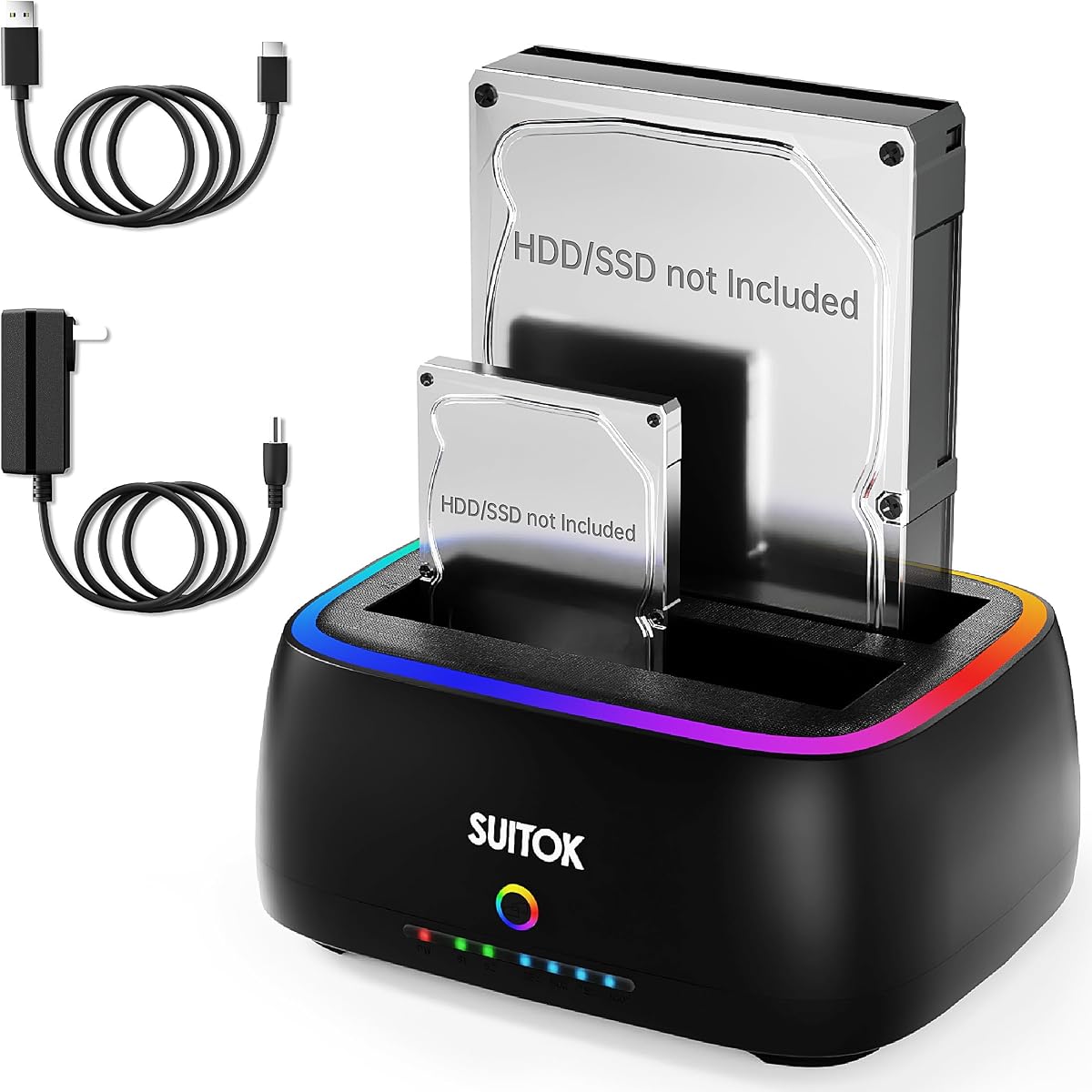

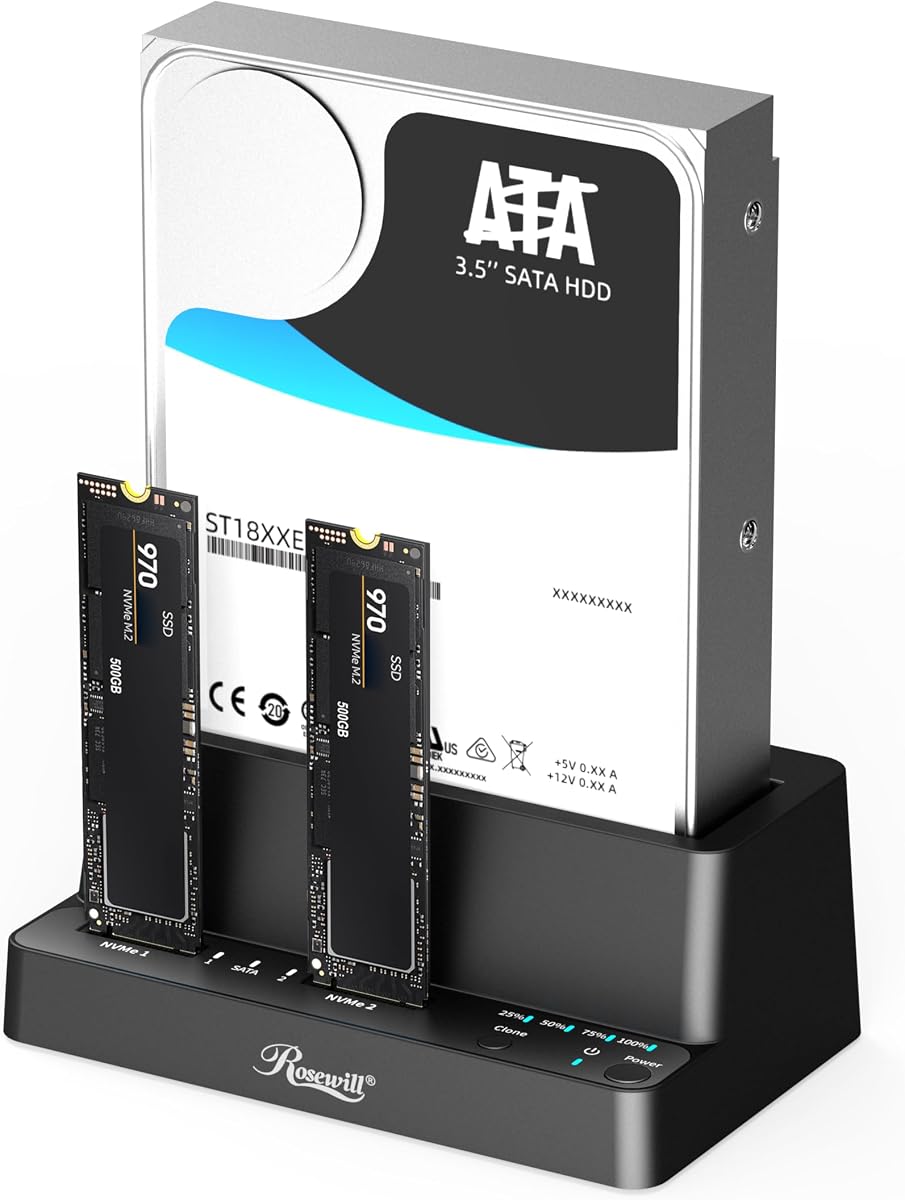


The SABRENT Dual-Bay USB-C Hard Drive Docking Station earns the Editor's Choice award for its balanced performance and versatility. It allows users to clone drives independently while offering high-speed data transfer when connected to a host system.
We may earn a commission when you buy through this link, at no additional cost to you.
Its standout feature is the ability to copy drives without a computer, utilizing a single-button interface for quick backups. The dock handles both 2.5 and 3.5 inch SATA drives, making it ideal for SSD migrations and bulk data transfers.
While it lacks NVMe support, the USB-C connection ensures modern connectivity standards. The tool-free design simplifies drive swaps, though users must ensure their target drive is sized correctly for successful cloning operations.
This dock is perfect for IT technicians and home users needing reliable offline cloning. Its robust build and clear status indicators make it a top choice for managing storage efficiently.
Cloning happens without PC drivers, ideal for quick backups in the field.
USB-C support ensures compatibility with newer laptops and high-speed data transfer.
We may earn a commission when you buy through this link, at no additional cost to you.
WAVLINK offers exceptional value with its dual-bay docking station that supports high-capacity drives. It stands out for budget-conscious buyers needing reliable offline cloning without compromising on essential features like UASP.
We may earn a commission when you buy through this link, at no additional cost to you.
The UASP protocol enhances transfer speeds compared to standard USB 3.0, making file access smoother. Users can clone data between drives without needing a host computer, which saves time during system migrations.
Although it lacks modern NVMe slots, the SATA support covers most traditional drives. The built-in power switch helps manage energy consumption effectively during long-term storage or standby periods.
This model is an excellent choice for general data management and budget projects. Its simplicity and cost-effectiveness make it a favorite among casual users and small offices.
UASP protocol delivers faster data rates for improved system efficiency.
Built-in switch allows users to control power usage easily.
We may earn a commission when you buy through this link, at no additional cost to you.
This premium ICY BOX docking station combines versatility and speed, supporting both M.2 NVMe and SATA drives. It targets professionals who need high-speed access and complex data migration capabilities.
We may earn a commission when you buy through this link, at no additional cost to you.
The USB 3.2 Gen 2 interface delivers up to 10Gbps, ensuring rapid file transfers. Its triple-bay design allows simultaneous access to multiple drives, optimizing workflow for intensive data processing tasks.
While the price is higher than basic models, the added flexibility justifies the investment. Users can clone between different drive types easily, saving time during hardware upgrades.
Ideal for power users needing advanced features, this station handles diverse storage needs. Its one-touch cloning simplifies backups, making it a robust choice for demanding environments.
USB 3.2 Gen 2 ensures blazing fast data movement for large files.
Supports M.2 and SATA, adapting to various hardware configurations.
We may earn a commission when you buy through this link, at no additional cost to you.
SABRENT provides a solid foundation for data migration with this USB 3.0 docking station. It focuses on stability and ease of use, ensuring that cloning and file transfers remain hassle-free.
We may earn a commission when you buy through this link, at no additional cost to you.
The offline cloning feature works efficiently without PC drivers, allowing users to back up large volumes of data quickly. Its compatibility with 10TB drives makes it suitable for expanding storage needs.
While it lacks advanced USB-C features, the USB 3.0 connection remains reliable. The tool-free design simplifies drive changes, making it a practical choice for frequent users.
Recommended for straightforward cloning tasks, this model delivers consistent performance. Its simplicity makes it accessible for users who prioritize function over advanced features.
Plug-and-play functionality ensures immediate use without technical hassles.
Offline cloning ensures safe backups without relying on external software.
We may earn a commission when you buy through this link, at no additional cost to you.
MAIWO offers a comprehensive solution with its high-capacity docking station. The extra USB hub ports add convenience for peripheral connections, while the powerful supply ensures stability for large drives.
We may earn a commission when you buy through this link, at no additional cost to you.
Cloning is made easier with visual progress indicators, allowing users to monitor tasks without a computer. The 12V 3A supply supports demanding drives, preventing disconnections during critical transfers.
Despite the basic cloning speed, the sheer capacity makes it suitable for large-scale backups. The dual-bay design handles massive files efficiently, making it a strong tool for archiving.
Perfect for users with growing storage needs, this model balances capacity with usability. Its additional ports and reliable power make it a valuable addition to any workstation.
Supports large volumes of data, ideal for extensive backups.
USB hub ports allow connecting multiple peripherals simultaneously.
We may earn a commission when you buy through this link, at no additional cost to you.
This model stands out with its RTL9201DP bridge chip, ensuring stable performance during data transfers. The vertical design aids cooling, crucial for maintaining drive health during extended operations.
We may earn a commission when you buy through this link, at no additional cost to you.
Supporting up to 40TB allows massive storage expansion for media libraries or backups. S.M.A.R.T monitoring adds a layer of safety, tracking drive health to prevent unexpected data loss.
While the RGB lighting adds aesthetics, functionality remains the priority. The tool-free setup ensures quick access to drives, while the anti-slip base prevents accidental shifts.
Ideal for home media hubs, it bridges compatibility across platforms. The robust build and monitoring features make it a smart choice for long-term storage management.
S.M.A.R.T tracking helps users stay aware of drive status.
Vertical design improves airflow to maintain stable operating temperatures.
We may earn a commission when you buy through this link, at no additional cost to you.
StarTech delivers professional-grade performance with its sector-by-sector cloning capability. This ensures every bit is copied accurately, essential for forensic or precise system imaging tasks.
We may earn a commission when you buy through this link, at no additional cost to you.
The 28GB/min speed significantly reduces backup time. TRIM support ensures SSD longevity, aligning with modern storage best practices for maintaining drive health over time.
Designed for IT pros, it includes a 2-year warranty and technical assistance. This durability and support make it a reliable investment for business environments.
Recommended for critical data handling, it ensures integrity and speed. The top-loading design and TRIM support make it a premium choice for professionals.
Sector-by-sector copying ensures total data integrity and security.
TRIM support maintains SSD performance and extends drive lifespan.
We may earn a commission when you buy through this link, at no additional cost to you.
Rosewill offers a compact solution for those needing M.2 and SATA compatibility. Its portable build makes it easy to carry for on-the-go data migrations without sacrificing speed.
We may earn a commission when you buy through this link, at no additional cost to you.
USB 3.2 Gen 2×1 supports up to 10Gbps, ensuring rapid data movement. The triple-bay design adds versatility, allowing users to connect multiple drives without extra hubs.
Offline cloning works simply via button press, ideal for quick backups. The tool-free setup saves time, making it suitable for mobile technicians or field work.
Perfect for portable needs, this model combines size with power. Its speed and compatibility make it a strong contender for modern storage tasks.
Compact design fits easily in bags for on-the-go backup needs.
10Gbps speeds handle large files quickly and efficiently.
We may earn a commission when you buy through this link, at no additional cost to you.
ORICO provides massive storage expansion with its five-bay design. The aluminum alloy chassis ensures durability and efficient cooling, crucial for maintaining performance during continuous operations.
We may earn a commission when you buy through this link, at no additional cost to you.
Cloning four drives simultaneously saves significant time for large archives. The 100TB capacity is ideal for photographers or businesses managing large media assets.
While complex, the multi-bay setup offers unmatched utility. Anti-vibration pads stabilize drives, ensuring safety during read/write cycles.
Best for large-scale needs, this model offers power and capacity. Its features make it a top choice for managing extensive data repositories.
Five bays allow managing hundreds of terabytes effectively.
Aluminum build keeps temperatures low for stable operation.
We may earn a commission when you buy through this link, at no additional cost to you.
StarTech's 4-bay model adds secure erasing to cloning, ensuring data is wiped completely. This dual functionality suits IT security needs, where disposing of old drives securely is critical.
We may earn a commission when you buy through this link, at no additional cost to you.
The LCD menu simplifies navigation without requiring a PC. It supports IDE drives, preserving utility for legacy hardware systems that still use older connections.
While expensive, the secure erase feature justifies the cost. It offers enterprise-level control over data management and disposal processes.
Ideal for security-conscious professionals, this model ensures safe disposal and backup. Its legacy support adds value for mixed hardware environments.
NIST-compliant erasure ensures confidential data is unrecoverable.
IDE support allows older drives to be managed effectively.
We may earn a commission when you buy through this link, at no additional cost to you.
Selecting the right docking station requires considering capacity, speed, and drive types to meet your specific needs.
Ensure the station supports SATA, M.2, or NVMe formats based on your drives. Mismatched connectors prevent access, making compatibility the first priority.
Always verify drive form factors like 2.5 or 3.5 inches before purchasing.
Look for units with standalone buttons to clone without a host PC. This feature speeds up data migration tasks significantly when computers are unavailable.
Offline cloning saves time and reduces dependency on software drivers.
USB 3.2 Gen 2 offers higher bandwidth than older USB 3.0 standards. Faster speeds reduce wait times for large files and frequent backups.
Prioritize newer protocols like UASP for improved data throughput.
Check the maximum drive size supported per bay to avoid bottlenecks. High capacities ensure the station can handle current and future storage growth.
Look for models supporting at least 10TB or more for longevity.
Aluminum or heavy-duty plastic casings dissipate heat better during continuous use. Vibration-resistant designs ensure stable connections during operations.
Choose models with cooling vents for long-term reliability.
Compact designs are ideal for travelers needing to access drives in the field. Larger bays may be necessary for desktop setups prioritizing capacity.
Consider physical dimensions relative to your workspace layout.
Ensure the power adapter matches your voltage needs to prevent hardware damage. Some models include switches to save energy during idle periods.
Stable power is essential for reliable cloning operations.
Verify support for Windows or macOS to avoid driver issues. Universal compatibility ensures the station works across your existing devices.
Linux support is often a bonus for technical users.
To begin, connect the dock to a power source and insert drives without using tools. Ensure the target drive is larger than the source to prevent data loss during cloning.
Press the clone button and monitor the LED progress bars until completion. Avoid removing drives during this process to ensure data integrity.
After use, eject drives safely and keep the dock in a clean, cool area. Regular dusting of cooling vents maintains optimal performance over time.
Many models support standalone offline cloning without requiring a computer. You can clone drives using just the docking station and a power source. This is useful when a PC is not available or during system migrations.
Yes, most docking stations allow cloning from a smaller source to a larger target. However, the target drive must always be equal to or larger than the source to prevent data truncation.
Cloning overwrites the target drive completely. Always back up any existing data on the target disk before starting the cloning process to avoid accidental loss.
Most units support 2.5 and 3.5 inch SATA drives, including SSDs and HDDs. Some premium models also support M.2 or NVMe formats for modern storage solutions.
Yes, most models are plug-and-play compatible with Windows, macOS, and Linux. Ensure you select one with universal OS support for seamless integration.
Most units come with a dedicated power adapter to ensure stable performance. Some models require specific wattages, so always check the power requirements before buying.
This guide reviewed top models for speed and reliability. Options like the SABRENT USB-C station and ICY BOX triple bay offer excellent balance for various needs.
Prioritize compatibility and offline features to simplify your workflow. For professionals, robust models with secure erase capabilities provide added data protection.
Always check current prices before purchasing to ensure value. Prices fluctuate, so verifying availability helps secure the best deal for your setup.