
TP-Link BE6500
4.3Editor score
Wi-Fi 7 with MLO support
6 streams dual-band bandwidth
2.5Gbps wired ports
This guide compares the top high end WiFi router models of October 2026 focusing on speed coverage security and advanced features for modern connected homes
Choosing the right high end WiFi router is essential for today's connected households where speed and reliability matter. These devices handle everything from 4K streaming to smart home automation without lag or drops.
We compared ten top models based on real-world performance data technical specifications and user feedback to find the best options available. Each product offers unique strengths depending on your specific network needs and home size.
Every pick highlights key features pros and cons along with practical advice for setup and maintenance. Please note that prices and availability change frequently so check current listings before making your final purchase decision today.
4.3Editor score

4.4Editor score

4.3Editor score
This side-by-side comparison breaks down the core specifications and standout features of every model on our list to help you quickly identify the right fit for your home network needs.




The NETGEAR Nighthawk RS700S stands out as a top-tier choice for users needing maximum speed and range. It scores a solid 4.4 rating thanks to its powerful Wi-Fi 7 performance and robust wired connections.
We may earn a commission when you buy through this link, at no additional cost to you.
Its standout feature is the 19 Gbps theoretical maximum speed across three bands ensuring even the busiest households stay connected without slowdowns. The 10 Gigabit WAN port is a rare find that future-proofs your network for fiber plans.
While the price is steep compared to average routers the performance justifies the investment for tech enthusiasts. The app interface is intuitive making setup and device management straightforward for non-experts.
Anyone with a large home or heavy usage needs like 8K streaming should consider this model. It delivers reliable performance where lesser routers might struggle under pressure.
The 10 Gigabit Ethernet ports allow your devices to fully utilize multi-gig internet plans without becoming a bottleneck.
With coverage up to 3500 square feet you can eliminate dead zones in multi-story homes without adding extra nodes.
We may earn a commission when you buy through this link, at no additional cost to you.
The TP-Link BE6500 brings next-gen Wi-Fi 7 technology to the budget segment making it an excellent entry point for most users. It holds a 4.3 rating reflecting its reliable performance and feature set.
We may earn a commission when you buy through this link, at no additional cost to you.
Key strengths include its support for Multi-Link Operation which boosts efficiency and stability across devices. The inclusion of a 2.5Gbps port ensures you can connect high-speed devices directly without limiting throughput.
Compared to pricier options it lacks tri-band capabilities but still handles typical household tasks with ease. The HomeShield security adds peace of mind without requiring extra subscriptions beyond basic tiers.
This router is ideal for users wanting future-ready tech without breaking the bank. It balances cost and capability better than most competitors in this price range.
You get the benefits of Wi-Fi 7 like MLO at a fraction of the cost of flagship models.
Built-in HomeShield protects your network from threats and gives you parental controls out of the box.
We may earn a commission when you buy through this link, at no additional cost to you.
The ASUS ROG Rapture GT-BE98 Pro is designed for enthusiasts who demand the absolute best in networking performance. With a 4.3 rating it proves its worth to serious gamers and power users.
We may earn a commission when you buy through this link, at no additional cost to you.
Its triple-level game acceleration prioritizes gaming traffic to reduce latency and lag significantly. The quad-band design and 30 Gbps potential ensure no single device slows down the rest of the network.
While it comes with a heavy price tag the specialized features justify it for those building a dedicated gaming rig. The build quality and antenna design also provide superior range compared to standard routers.
If you need zero compromise on speed and responsiveness this router is the ultimate choice. It is built to handle the most demanding network environments effectively.
The dedicated acceleration technology ensures your game data gets priority over streaming or downloads.
Dual 10G Ethernet ports mean your PC and NAS can transfer data at maximum possible speeds.
We may earn a commission when you buy through this link, at no additional cost to you.
The NETGEAR Nighthawk RS700 offers a balanced approach with strong Wi-Fi 7 performance for most average homes. It achieves a 4.3 rating by delivering consistent speeds and easy management.
We may earn a commission when you buy through this link, at no additional cost to you.
Key strengths include its dedicated 6 GHz band which helps separate high-speed traffic from older devices. The 2.5 Gigabit ports are sufficient for most internet plans and wired connections.
You lose some of the extreme speed of higher models but gain significant value. The app interface makes it easy to pause devices or check speeds on the go.
This is a solid pick for those who want modern tech without overspending. It handles typical household loads smoothly and reliably.
Using three bands ensures that your smart home devices do not compete with your streaming traffic.
The Nighthawk app simplifies daily tasks like guest network setup and speed testing.
We may earn a commission when you buy through this link, at no additional cost to you.
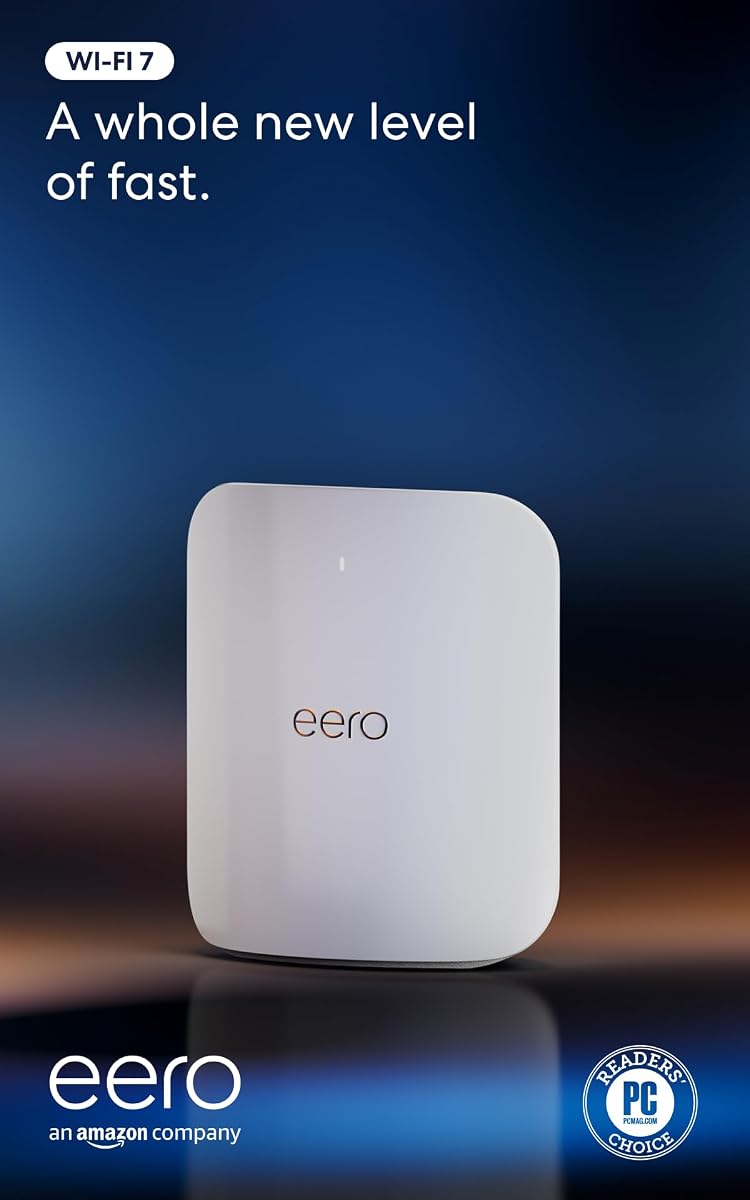
The Amazon eero Max 7 combines top-tier mesh tech with Wi-Fi 7 speed making it great for whole home coverage. It holds a 4.2 rating for its reliability and ease of use.
We may earn a commission when you buy through this link, at no additional cost to you.
Its standout feature is the TrueMesh software which dynamically routes traffic to avoid congestion and drops. This makes it ideal for homes where users move around frequently.
While it relies on a subscription for full security features the hardware itself is robust. The 10G Ethernet ports allow you to connect powerful devices without slowing down the mesh backhaul.
Anyone with a large home needing consistent coverage should consider this mesh solution. It simplifies networking while delivering premium speeds.
TrueMesh software continuously optimizes your network path to keep latency low across the whole house.
Built-in support for Matter and Zigbee turns your router into a central hub for smart devices.
We may earn a commission when you buy through this link, at no additional cost to you.
The Amazon eero Pro 7 brings advanced mesh capabilities to smaller spaces with a compact footprint. It earns a 4.3 rating for its simplicity and steady performance.
We may earn a commission when you buy through this link, at no additional cost to you.
Key strengths include its auto-sensing Ethernet ports which adapt to your modem setup automatically. This removes the guesswork for users who may not be tech-savvy.
While the range is lower than the Max model it still covers most average homes effectively. The seamless integration with existing eero nodes makes expansion easy later.
This router is perfect for apartments or small homes needing reliable Wi-Fi 7 performance. It keeps your network up to date without complexity.
The app guides you through setup in minutes so you are online faster than ever.
Adding more nodes extends coverage instantly without needing to reconfigure settings.
We may earn a commission when you buy through this link, at no additional cost to you.
The ASUS Rog Strix GS-BE18000 offers high-end gaming features with strong raw performance numbers. It holds a 4.1 rating indicating potential for optimization or mixed user experiences.
We may earn a commission when you buy through this link, at no additional cost to you.
Its focus on gaming includes dedicated acceleration features designed to lower ping during critical moments. The tri-band setup ensures your gaming traffic stays separate from general browsing.
While powerful the interface can be complex compared to simpler consumer routers. Users who love tweaking settings will appreciate the depth available.
If you are a competitive gamer this router offers the tools you need to stay ahead. It delivers the power needed for smooth gameplay.
The dedicated gaming dashboard lets you see connected players and optimize settings easily.
With speeds up to 18 Gbps you can handle massive downloads without affecting gameplay.
We may earn a commission when you buy through this link, at no additional cost to you.
The TP-Link AXE5400 is a trusted choice for users who do not need Wi-Fi 7 yet. It scores a 4.3 rating for delivering reliable Wi-Fi 6E performance at a good value.
We may earn a commission when you buy through this link, at no additional cost to you.
Its use of the 6 GHz band offers cleaner channels for faster speeds and less latency. The hardware design helps keep it cool during long periods of heavy usage.
While it lacks the raw power of newer 7 models it still handles modern apps smoothly. It is a solid upgrade from older routers.
This router is a great pick for budget-conscious users wanting future-ready tech. It balances cost and performance well for most homes.
Access to the 6 GHz spectrum means less interference from neighbors and older devices.
The unique housing design dissipates heat effectively to maintain consistent performance over time.
We may earn a commission when you buy through this link, at no additional cost to you.
The Synology RT6600ax focuses heavily on security and network control rather than just raw speed. It earns a 4.2 rating for its robust feature set for IT-aware users.
We may earn a commission when you buy through this link, at no additional cost to you.
Key strengths include VLAN segmentation which lets you isolate devices like smart cameras or guest networks. The comprehensive VPN server makes remote access to your home files seamless.
While the interface is more technical than consumer models it offers power and flexibility. This is ideal for those who want complete control over their network traffic.
Anyone valuing security and privacy above all else should look at this model. It provides enterprise-grade features for home use.
Create separate networks to keep smart home devices isolated from your personal computers.
The built-in VPN server lets you access your home network securely from anywhere.
We may earn a commission when you buy through this link, at no additional cost to you.
The NETGEAR Nighthawk RS90 is an entry-level option for those wanting to try Wi-Fi 7 tech without a huge investment. It holds a 4.3 rating for providing solid basic performance.
We may earn a commission when you buy through this link, at no additional cost to you.
Its strengths include a simplified dual-band design that still benefits from MLO technology. The 2.5 Gigabit port ensures your wired devices keep up with modern internet plans.
While it lacks the range and speed of higher models it works well for apartments. It is a reliable way to update your network affordably.
This is a good pick for renters or small homes needing modern standards. It provides essential upgrades without breaking the bank.
Experience the benefits of the new standard without paying premium prices.
The Nighthawk app makes managing your network easy for everyone.
We may earn a commission when you buy through this link, at no additional cost to you.
Selecting the right high end WiFi router requires understanding several key factors that impact performance and usability in your specific environment.
Modern high end routers now support Wi-Fi 7 which offers faster speeds and lower latency than Wi-Fi 6E. This generation uses wider channels and Multi-Link Operation to boost efficiency.
Always choose the latest generation available to ensure your network stays current for years.
Tri-band routers add a 6 GHz band that reduces congestion for high-speed devices. Dual-band models save cost but may struggle in crowded networks.
Pick tri-band if you have many devices streaming or gaming simultaneously.
Check the square footage rating to ensure the router covers your entire space. Large homes may require mesh systems instead of a single unit.
Opt for models rated above 2500 sq ft for most single unit installations.
High end routers should include Gigabit ports with at least one 2.5Gbps or higher port. This ensures your wired devices do not bottleneck your internet connection.
Prioritize models with 2.5Gbps or 10G ports for future proofing.
Look for built-in threat protection like parental controls and automatic firmware updates. Some brands offer subscriptions for advanced security layers.
Ensure the router has robust basic security features at minimum.
If you plan to expand your network check if the router supports EasyMesh or proprietary mesh standards. This allows adding nodes without replacing the main unit.
Choose a router that fits your preferred ecosystem for easy expansion.
User-friendly apps simplify setup and ongoing management. Good software includes speed tests and device controls.
Test the interface if possible to ensure it meets your management needs.
Place your router in a central location away from walls and electronics to maximize signal strength. Avoid hiding it in cabinets or on the floor.
Update the firmware regularly through the app or web interface to ensure security patches are applied. Most modern routers handle this automatically.
Run a speed test after setup to verify you are getting your expected internet speeds. If speeds are low move the router or check cable connections.
Wi-Fi 7 offers faster maximum speeds lower latency and wider channels compared to Wi-Fi 6E. It also uses Multi-Link Operation to send data over multiple bands simultaneously.
Generally no if you already have a modem that supports gigabit speeds. However upgrading to a multi-gig modem may be needed to fully utilize faster router features.
Most high end models handle 100 to 200 devices comfortably depending on the model. Mesh systems often support even more devices across multiple nodes.
For large homes or heavy users they are often worth it due to better speed and reliability. Smaller homes might find standard routers sufficient for their needs.
Yes most high end routers work with any internet service provider as long as you connect them via a compatible modem. Some cable combos may require bridge mode.
You can use Wi-Fi extenders or add nodes if the router supports mesh technology. Positioning the router centrally helps maximize its existing range.
The NETGEAR Nighthawk RS700S TP-Link BE6500 and ASUS ROG Rapture GT-BE98 Pro stand out as top picks for most users seeking performance and value.
Prioritize features like Wi-Fi 7 support tri-band operation and strong wired ports to match your specific usage needs and home size effectively.
Prices and availability change frequently so check current listings to ensure you get the best deal on your chosen high end router model today.