
ASUS Vivobook S16
4.0Editor score
16 inch WUXGA OLED
AMD Ryzen AI 7 445
32GB RAM 1TB SSD
Copilot+ PC Ready
OLED technology has transformed laptop screens by offering perfect blacks and vibrant colors. This guide explores ten top laptops with OLED displays for creative professionals and enthusiasts seeking vivid visuals.
We evaluated each model based on display quality, performance, battery life, and build. Our comparisons highlight strengths in color accuracy, refresh rates, and connectivity for diverse workflows.
Each pick shows key specs, pros, and cons to help you decide. Note that prices and availability change often, so check current listings before making your final purchase today.
4.0Editor score
4.4Editor score

4.1Editor score
As an Amazon Associate we earn from qualifying purchases.
This section compares all ten laptops side by side. We examine display specs, processors, memory, and unique features to help you find the right fit for your needs.



This Lenovo IdeaPad Pro 5 delivers a stunning OLED display with excellent color accuracy and brightness for creative workloads.
We may earn a commission when you buy through this link, at no additional cost to you.
The AMD Ryzen AI 7 processor provides robust performance for multitasking while the RTX 5050 GPU handles light gaming or rendering.
While battery life is average, the variety of ports including USB4 and HDMI 2.1 ensures you can connect external displays easily.
Buyers should choose this laptop for its balance of visual quality and performance for daily productivity and media consumption tasks.
The 2880×1800 OLED panel offers deep blacks and vibrant colors essential for video editing and photo grading.
Integrated AI features help streamline content creation tasks and improve efficiency during complex workflows.
We may earn a commission when you buy through this link, at no additional cost to you.
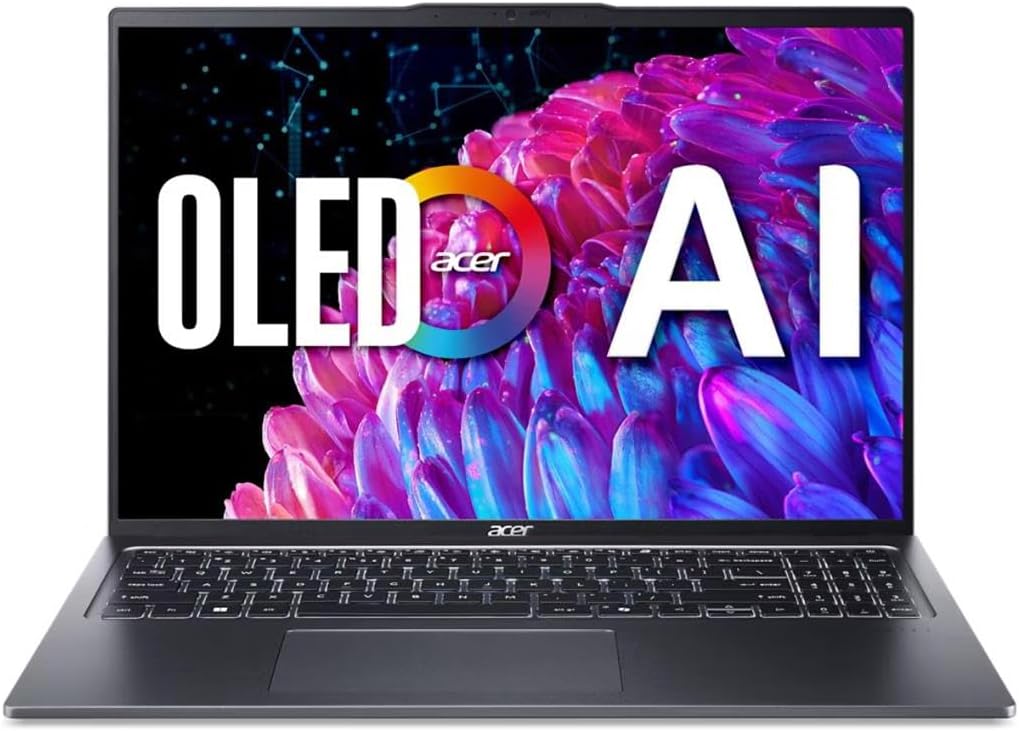
The Acer Swift Go 16 stands out with its high resolution OLED screen that delivers professional grade photo and video editing results.
We may earn a commission when you buy through this link, at no additional cost to you.
Equipped with an Intel Core Ultra 5 processor it offers AI enhanced efficiency and a premium feel in a lightweight form factor.
Users may find 8GB RAM limiting for heavy multitasking but the rest of the specs ensure smooth operation for most daily tasks.
This laptop is ideal for professionals who prioritize display quality and portability and want a sleek device for business travel.
The WQXGA+ OLED display with HDR True Black 500 ensures accurate colors for demanding creative projects.
The Intel Core Ultra 5 optimizes workloads and extends battery life for longer work sessions away from outlets.
We may earn a commission when you buy through this link, at no additional cost to you.
This ASUS Vivobook S16 offers a compelling balance with its Copilot+ PC capabilities and generous RAM storage for multitasking.
We may earn a commission when you buy through this link, at no additional cost to you.
The AMD Ryzen AI 7 processor delivers strong on device AI performance while the OLED display provides vivid visuals for entertainment.
While the resolution is lower than some competitors the battery life is excellent and fast charging keeps you productive throughout the day.
Choose this model if you need a powerful machine for everyday tasks without compromising on portability or future proof AI features.
With up to 50 TOPS this laptop handles AI tasks locally for faster responses and better privacy.
Up to 21 hours of use means you can work all day without needing to carry a heavy charger.
We may earn a commission when you buy through this link, at no additional cost to you.
The HP OmniBook 3 impresses with its incredible battery life making it a top choice for students and travelers on the go.
We may earn a commission when you buy through this link, at no additional cost to you.
Powered by the Snapdragon X processor it offers efficient performance and AI capabilities while maintaining a light and compact form factor.
Storage is limited to 256GB but the long battery life and quick charging offset this for those who rely on cloud storage mostly.
This laptop is perfect for users who need a reliable AI enabled device for productivity and media consumption without frequent charging.
With up to 41 hours of battery life you can work for days on a single charge in typical office scenarios.
The Snapdragon X processor supports advanced AI features and Otter.ai for seamless meeting notes and transcription.
We may earn a commission when you buy through this link, at no additional cost to you.
This variant of the ASUS Vivobook S16 features the powerful Intel Core Ultra 9 processor for those who need more compute power.
We may earn a commission when you buy through this link, at no additional cost to you.
With 32GB RAM and a 1TB SSD it handles demanding multitasking and large files with ease while the OLED screen remains vibrant.
Battery life is impressive at up to 25 hours and the durable build ensures it can withstand the rigors of daily travel.
Buyers looking for an Intel based machine with robust specs should consider this model for its balance of power and endurance.
The Intel Core Ultra 9 386H provides fast responsiveness for complex applications and seamless multitasking workflows.
Military tested durability ensures the chassis can survive drops and bumps making it ideal for field work.
We may earn a commission when you buy through this link, at no additional cost to you.
The HP OmniBook 5 brings a touchscreen OLED display to a more affordable price point making it a strong value for creative users.
We may earn a commission when you buy through this link, at no additional cost to you.
It uses the Snapdragon X Plus processor which ensures good battery life and AI capabilities while the 512GB SSD offers ample space.
The touchscreen adds versatility for quick editing tasks and the 34 hour battery life ensures you work uninterrupted all day long.
This is a solid pick for those who want touch functionality without paying premium prices for higher end configurations.
The 2K OLED touchscreen allows for intuitive navigation and precise selection in creative or note taking apps.
With 512GB storage and 34 hour battery life it balances capacity and portability for general everyday use.
We may earn a commission when you buy through this link, at no additional cost to you.
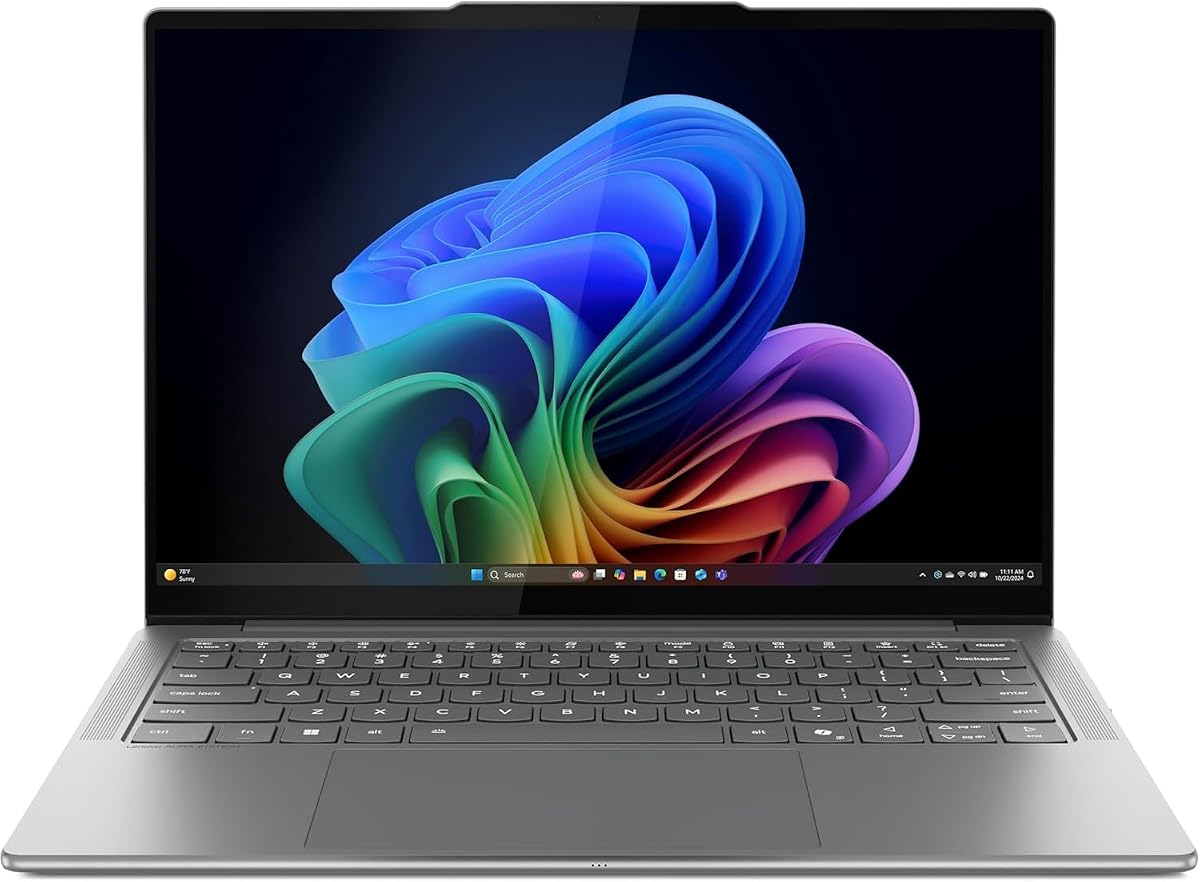
The Lenovo Slim 7i is a premium ultrabook with a vivid OLED touchscreen and lightweight design for frequent travelers and professionals.
We may earn a commission when you buy through this link, at no additional cost to you.
It features an Intel Core Ultra 7 processor and 32GB RAM ensuring smooth performance for all office and creative tasks.
The 600 nits peak brightness ensures visibility outdoors and the 17 hour battery life supports a full work day.
This laptop is ideal for those who value portability and screen quality and are willing to pay a premium for a sleek build.
Weighing just 2.82 lbs this laptop fits easily in any bag and reduces strain during long commutes.
With 600 nits peak brightness the screen remains clear and vibrant even in bright environments.
We may earn a commission when you buy through this link, at no additional cost to you.
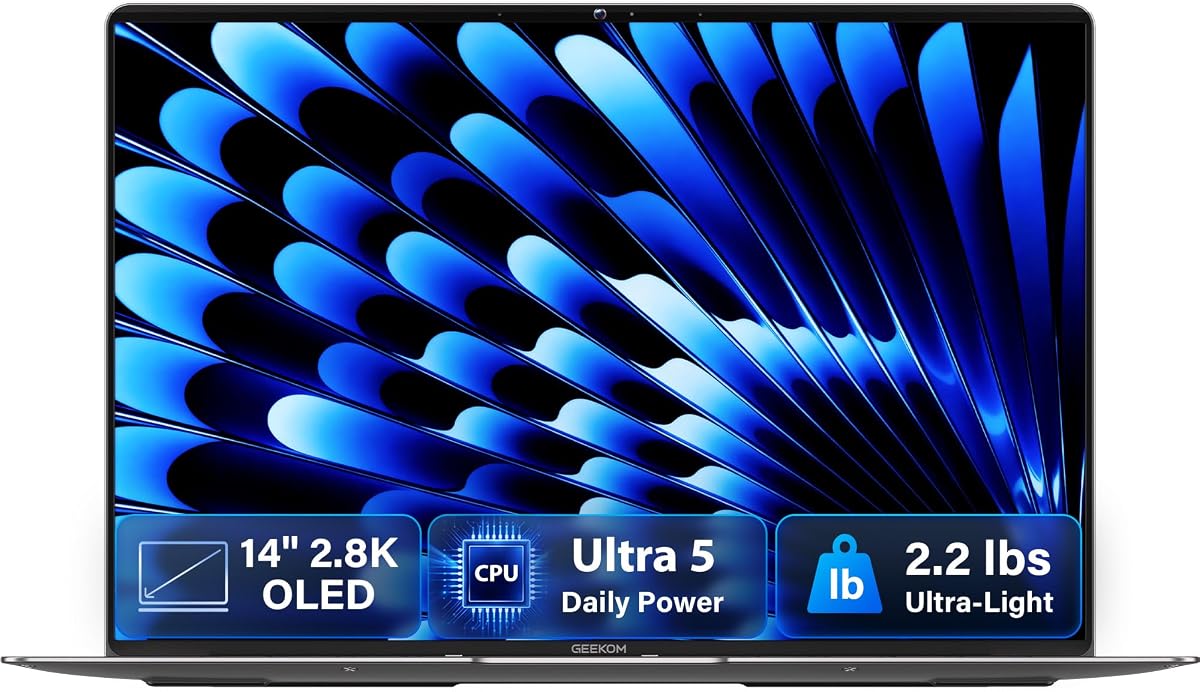
This GEEKOM laptop offers a rare combination of ultra thin profile and 2.8K OLED display making it a standout for mobile workers.
We may earn a commission when you buy through this link, at no additional cost to you.
The Intel Core Ultra 5 processor supports on device AI and the 120Hz refresh rate makes scrolling and animations look smooth.
With only 2.2 lbs and a magnesium alloy chassis it is incredibly light yet durable enough for daily travel and use.
Buyers looking for a small yet powerful OLED laptop with high speed connectivity should consider this compact and efficient model.
At 0.23 inches thick it is one of the thinnest laptops available ensuring it fits in tight spaces.
Two USB4 ports offer 40Gbps transfer speeds allowing for quick data moves and multi monitor setups.
We may earn a commission when you buy through this link, at no additional cost to you.
The Lenovo Legion 5a combines gaming power with an OLED display offering a 165Hz refresh rate for smooth motion and vivid colors.
We may earn a commission when you buy through this link, at no additional cost to you.
Powered by a Ryzen 7 processor and RTX 5060 it handles modern games and creative tasks with high fidelity and speed.
With 32GB RAM and Wi-Fi 7 it ensures future proof connectivity while the 1TB SSD provides quick access to large game libraries.
Gamers and creators who want a high performance laptop should look at this model for its fast refresh rate and dedicated graphics.
The 165Hz OLED panel delivers fast motion clarity essential for competitive gaming and immersive entertainment experiences.
RTX 5060 graphics ensure realistic lighting and smooth performance in 3D rendering and gaming workloads.
We may earn a commission when you buy through this link, at no additional cost to you.
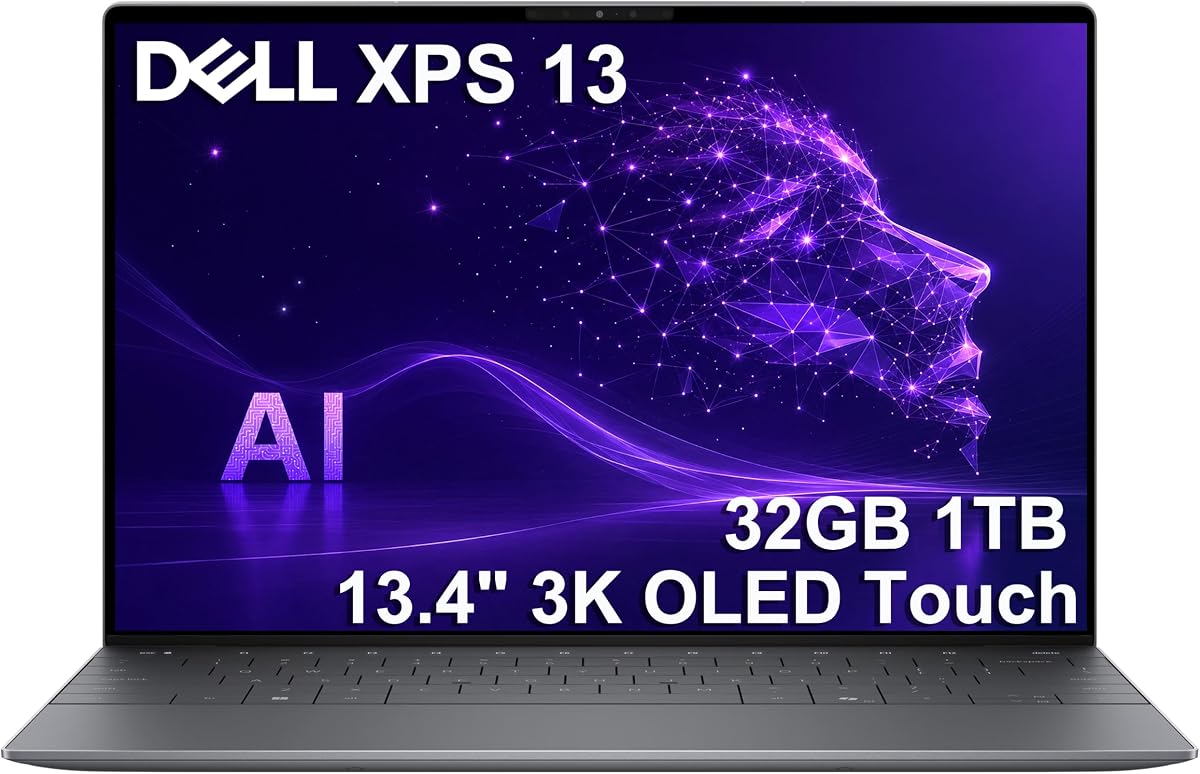
This Dell XPS 13 delivers a stunning 3K OLED touchscreen with a lightweight design making it the ultimate portable professional device.
We may earn a commission when you buy through this link, at no additional cost to you.
Powered by the Snapdragon X Elite processor it offers desktop class power and an incredible 27 hour battery life for all day work.
With 32GB RAM and 1TB SSD it handles demanding workflows seamlessly while the OLED screen provides sharp visuals and deep blacks.
Professionals needing maximum battery life and portability should consider this model for its premium build and future proof AI features.
With 27 hours of battery life you can work for days without a charger which is ideal for frequent travelers.
The 3K OLED touchscreen offers incredible detail and clarity for media and creative work on a small screen.
We may earn a commission when you buy through this link, at no additional cost to you.
Choosing a laptop with an OLED display involves balancing visual quality with performance and portability needs for your specific use case.
Resolution determines sharpness and detail. Look for 2.8K or 3K screens for crisp text and professional editing work.
Higher resolution screens consume more power so ensure your battery life matches your usage needs before deciding.
Refresh rate affects motion smoothness. Gamers should look for 120Hz or 165Hz panels while writers can settle for 60Hz.
Higher refresh rates also make scrolling feel more fluid and reduce eye strain during long screen sessions.
For creative work ensure the panel covers 100% of DCI-P3 or sRGB for accurate color representation.
DisplayHDR True Black 500 certification indicates excellent contrast and brightness suitable for professional editing.
Select a processor that matches your workload. Snapdragon offers better battery life while Intel or AMD offer more raw power.
AI features are becoming standard so look for NPUs to handle background tasks efficiently.
16GB RAM is recommended for most users. 8GB may suffice for light tasks but limits future flexibility and multitasking.
Ensure the memory is soldered if you need a thin device as upgrades may not be possible later.
A 512GB SSD is a safe baseline. Creative professionals might need 1TB or more to store large files locally.
PCIe Gen4 SSDs offer faster speeds. Check if there are additional slots for expansion in the device.
USB4 or Thunderbolt 4 ports are essential for external monitors and fast data transfer.
Wi-Fi 7 is emerging but Wi-Fi 6E is sufficient for most users needing reliable wireless performance.
Battery claims vary widely so check independent reviews. Look for models with 10 hours or more for all-day mobility.
Fast charging is a valuable feature to recharge quickly during short breaks or travel layovers.
Always adjust brightness settings to match your environment. Lower brightness saves battery and reduces eye strain in dark rooms.
Avoid static images staying on the screen for too long to prevent burn-in. Use screen savers or dim the screen when idle.
Clean the OLED screen gently with a soft microfiber cloth. Avoid harsh chemicals that might damage the protective coating on the panel.
Yes, OLED offers true blacks and higher contrast than IPS. This leads to better HDR performance and color vibrancy. However, IPS might be more affordable and less prone to burn-in over very long periods.
OLED panels typically last 50,000 to 100,000 hours. Manufacturers use mitigation techniques to reduce wear. Avoid leaving static elements at high brightness for hours to extend the lifespan.
Absolutely. OLED screens provide crisp text and reduce eye strain due to high contrast. Just ensure you use a dark mode theme to minimize light emission during late night work.
OLED panels consume less power than LCDs when showing dark scenes but processors dictate heat. Ensure adequate airflow and use cooling pads if you push the CPU limits.
Yes. Most models include IR cameras for Windows Hello. The OLED display does not interfere with facial recognition sensors. This ensures secure logins without physical hardware risks.
Games with dark scenes or space themes look best. HDR games show incredible depth. High refresh rates make action titles feel smoother. Ensure your GPU matches the screen capability.
We have highlighted ten outstanding laptops with OLED displays catering to various needs from budget to premium.
Prioritize display resolution and battery life if you travel often. Consider performance if you edit videos or run heavy apps.
Remember to check current prices and stock as models update frequently. The right OLED laptop will transform your digital experience.