
ALOGIC Clarity Touch
5.0Editor score
World's First 6K Touch
Active Stylus Included
360 Degree Fold Stand
Choosing the right display can transform your workflow and creative output significantly. The 32 Inch 6K Monitors category offers unparalleled resolution for detail-oriented tasks like video editing and graphic design.
We evaluated ten leading models based on panel quality, connectivity options, and ergonomic features. Our analysis focuses on real-world performance metrics that matter most to professionals and enthusiasts alike.
Each pick highlights specific strengths tailored to different user needs and budgets. Please note that product availability and pricing fluctuate frequently so always verify current details before purchasing.
5.0Editor score

3.8Editor score

3.7Editor score
As an Amazon Associate we earn from qualifying purchases.
This side-by-side comparison highlights the core specifications and unique selling points of each model to help you make an informed decision quickly.


The LG 32U990A-S stands out as a premier choice for professionals needing extreme resolution and connectivity. Its 6K panel delivers stunning clarity while Thunderbolt 5 ensures fast data transfers.
We may earn a commission when you buy through this link, at no additional cost to you.
Color accuracy is exceptional with nearly full Adobe RGB coverage. The Nano IPS Black technology provides deeper blacks than standard IPS panels improving visual fidelity significantly.
While the price is high the performance justifies the cost for serious creatives. The lack of extensive stand adjustments might be a minor inconvenience for some users.
This monitor is ideal for video editors and designers who demand top-tier performance. It bridges the gap between current tech and future-ready workflows effectively.
Thunderbolt 5 offers speeds up to 80Gbps enabling faster file transfers and multi-monitor setups without bottlenecks.
With 2000:1 contrast the Nano IPS Black panel ensures rich shadows and accurate color reproduction for professional work.
We may earn a commission when you buy through this link, at no additional cost to you.
The ASUS ProArt PA32QCV is tailored for macOS users seeking precise color matching. Its factory calibration ensures Delta E less than two right out of the box.
We may earn a commission when you buy through this link, at no additional cost to you.
Users benefit from a three-month Adobe Creative Cloud subscription and a robust five-year warranty. The dual Thunderbolt 4 ports support daisy chaining efficiently.
Though it lacks Thunderbolt 5 the performance remains strong for creative tasks. The resolution is slightly lower than some competitors but still exceptionally sharp.
This model suits graphic designers and photographers prioritizing color consistency. It provides a reliable and supported ecosystem for professional creative workflows.
A dedicated preset mode mimics the MacBook display ensuring seamless visual transitions between devices.
The five-year warranty offers peace of mind for long-term professional investments.
We may earn a commission when you buy through this link, at no additional cost to you.
The Samsung Odyssey G8 combines 6K resolution with high refresh rates for a unique hybrid experience. It supports both 6K at 165Hz and 3K at 330Hz.
We may earn a commission when you buy through this link, at no additional cost to you.
Fast IPS panels deliver vivid colors and quick response times ideal for gaming. G-SYNC compatibility reduces screen tearing during intense gameplay sessions.
While optimized for gaming it handles productivity tasks well. The color gamut is narrower than pro monitors which might affect creative work.
This monitor is perfect for users wanting a single display for work and play. It offers exceptional performance at a price point lower than pure pro models.
Switch between high resolution for work and high refresh rates for gaming seamlessly.
Near-instant 1ms response times minimize motion blur ensuring smooth visuals in fast-paced games.
We may earn a commission when you buy through this link, at no additional cost to you.
The Dell UltraSharp U3224KB focuses on productivity with a built-in 6K webcam for meetings. The USB-C hub simplifies connections for laptops and peripherals.
We may earn a commission when you buy through this link, at no additional cost to you.
Text clarity is outstanding thanks to the high pixel density. It supports 60Hz refresh rates which are sufficient for office work and static content.
Design aesthetics are functional rather than flashy. While it lacks advanced gaming features it excels in corporate environments requiring reliability.
Ideal for remote workers needing integrated peripherals. The webcam quality and USB-C charging make it a convenient all-in-one solution.
The built-in camera supports high resolution video calls without needing external hardware.
USB-C allows data transfer and power delivery through a single cable to your laptop.
We may earn a commission when you buy through this link, at no additional cost to you.
This bundle includes essential accessories like a cleaning kit and cable ties. It offers similar specs to the standard LG model with added convenience.
We may earn a commission when you buy through this link, at no additional cost to you.
KVM functionality allows control of two computers with one keyboard. The high user rating suggests strong satisfaction with performance and usability.
The bundle price is higher than buying standalone but adds value. Limited color calibration features might not suit professionals needing exact adjustments.
Good for teams needing multiple setup support. The included accessories save time and effort for initial installation and maintenance.
Seamlessly switch between systems without unplugging devices improving workflow speed.
Cleaning kits and cable ties simplify setup and ongoing maintenance tasks.
We may earn a commission when you buy through this link, at no additional cost to you.
The G32X Minimalist offers a premium CNC aluminum build for a clean aesthetic. It provides high power delivery and 500-nit brightness for bright environments.
We may earn a commission when you buy through this link, at no additional cost to you.
Its minimalist design suits modern offices and homes. The 178-degree viewing angle ensures consistent colors from any position.
While specs are less detailed it performs well for general use. The high brightness helps reduce glare in well-lit rooms effectively.
Recommended for users prioritizing aesthetics and build. It balances visual quality with a sophisticated design profile.
CNC-machined aluminum ensures durability and a premium look on any desk.
100W charging supports high-end laptops allowing for single-cable setups.
We may earn a commission when you buy through this link, at no additional cost to you.
The G32P Glossy features a unique honeycomb cooling design for heat management. It is sold without a stand making it ideal for custom setups.
We may earn a commission when you buy through this link, at no additional cost to you.
The glossy finish enhances vibrancy but may reflect light. High resolution and power delivery support demanding workloads efficiently.
Users needing flexible mounting will appreciate the VESA compatibility. The cooling design helps maintain consistent performance over long sessions.
Best for tech-savvy users with existing mounts. The design balances thermal efficiency with visual appeal effectively.
The honeycomb structure improves airflow to prevent overheating during heavy use.
Supports 100x100mm VESA mounts for arms or wall installations.
We may earn a commission when you buy through this link, at no additional cost to you.
This bundle includes necessary cables and a two-year protection plan. It is designed for reliability and ease of deployment in business settings.
We may earn a commission when you buy through this link, at no additional cost to you.
The enhanced service pack covers hardware issues efficiently. Standard brightness and resolution meet typical office requirements without unnecessary complexity.
While it lacks advanced gaming features it provides solid value. The included cables reduce setup time for IT departments.
Recommended for businesses needing standard reliable units. The warranty adds significant value for long-term usage plans.
Includes USB-C and DisplayPort cables to ensure immediate usability.
A two-year plan covers unexpected hardware failures for continuous productivity.
We may earn a commission when you buy through this link, at no additional cost to you.
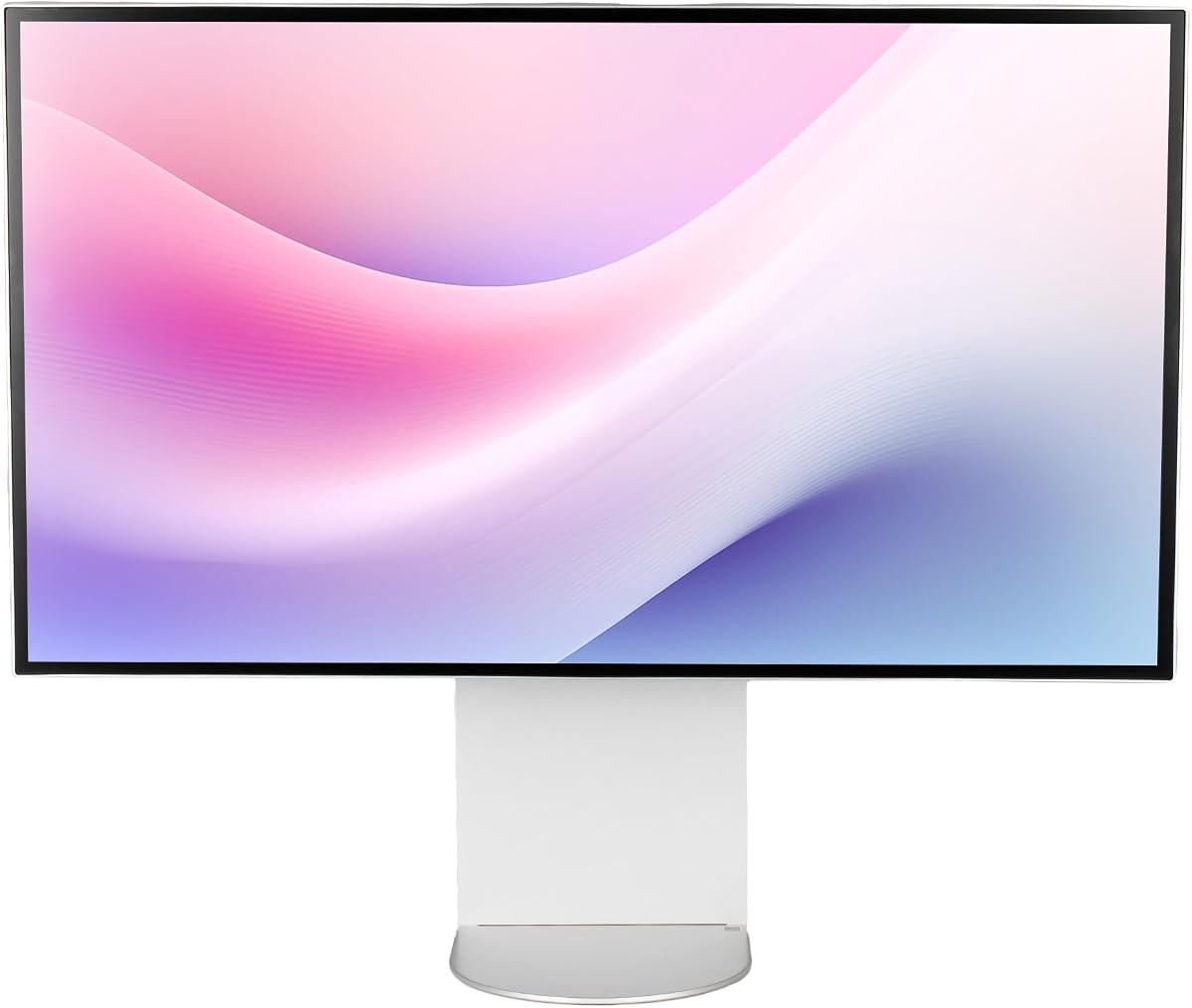
The ALOGIC Clarity Touch is a unique 6K touchscreen for digital artists. It supports pressure-sensitive stylus input with high precision accuracy.
We may earn a commission when you buy through this link, at no additional cost to you.
The fold stand allows flat use as a drawing tablet. Factory calibration ensures exceptional color accuracy for creative professionals.
The price is high but justified for specific workflows. Limited brand presence might raise concerns about long-term support availability.
Best for digital artists wanting a large canvas. The combination of touch and 6K resolution offers unmatched creative control.
Pressure-sensitive input supports natural drawing motions on a large canvas.
The fold stand allows the monitor to rest flat for sketching or stand upright.
We may earn a commission when you buy through this link, at no additional cost to you.
This European variant offers three USB-C ports for flexible connectivity. It maintains the Nano IPS Black technology for improved contrast ratios.
We may earn a commission when you buy through this link, at no additional cost to you.
The energy rating is lower which may affect power efficiency. Standard HDR 600 support ensures vibrant visuals for media consumption.
It suits users needing multiple device connections. Regional availability might limit access in some markets effectively.
Good for users prioritizing port count over features. It balances connectivity with solid display performance.
Three USB-C ports allow multiple device connections without external hubs.
Designed for European standards with specific regulatory compliance.
We may earn a commission when you buy through this link, at no additional cost to you.
Selecting the right 32 inch 6K monitor requires understanding specific needs and technical capabilities to ensure optimal performance.
Resolution defines how much detail the screen can display. With 6K resolution you get over 21 million pixels which is significantly more than 4K.
Higher pixel density ensures text and graphics appear sharp without scaling issues.
Thunderbolt 5 supports fastest data transfer and daisy chaining. Check for USB-C HDMI and DisplayPort inputs for compatibility.
Adequate ports simplify your setup reducing the need for extra adapters.
Professional work requires high color gamut coverage like Adobe RGB or DCI-P3. Look for factory calibration to ensure Delta E values under two.
Accurate color ensures consistent results between screen and printed output.
Standard productivity uses 60Hz refresh rates while gaming benefits from higher rates. Lower response times reduce motion blur in fast scenes.
Prioritize refresh rate if you play games or watch high-motion content regularly.
Adjustable stands allow tilting and pivoting for comfortable viewing angles. VESA mount compatibility offers flexibility for custom setups.
Proper ergonomics reduce strain during long work sessions effectively.
Higher brightness levels help in well-lit rooms. HDR support enhances contrast and color for media content.
Look for DisplayHDR ratings to gauge real-world brightness performance.
IPS panels offer wide viewing angles and accurate colors. Nano IPS Black improves contrast compared to standard IPS.
Choose a panel type that fits your primary usage scenario.
A good warranty protects your investment against defects. Longer terms like five years offer peace of mind.
Check if the manufacturer supports online registration for extended coverage.
Connect your device using high-quality cables like Thunderbolt to maximize speed. Ensure settings match the native resolution for best sharpness.
Clean the screen with a microfiber cloth to avoid scratches. Avoid using household cleaners that may damage the coating.
Adjust brightness based on ambient light to reduce eye strain. Use stand features to keep your eyes level with the screen center.
Yes, for professionals working with high-resolution content like video editing or detailed design. The extra pixels provide more workspace without scaling.
Yes, 6K rendering requires strong GPU and CPU performance. Ensure your system supports high-resolution output via modern ports like Thunderbolt 5.
Some models like the Samsung Odyssey G8 offer high refresh rates for gaming. Others focus on color accuracy which may limit gaming performance.
You need certified Thunderbolt or DisplayPort 2.1 cables to support 6K at high refresh rates. Standard cables may limit resolution or speed.
Many professional monitors come factory calibrated. Use software tools or a colorimeter for custom adjustments if needed.
Most include stands but some premium or bundle models may require separate purchase. Check product details for specific stand features.
Most support USB-C power delivery up to 100W allowing laptops to charge through the monitor. Verify wattage requirements for your device.
High-quality monitors last five to seven years with proper care. Warranty coverage varies so check terms before purchase.
Our top picks include the LG 32U990A-S for overall performance and the ALOGIC Clarity Touch for unique touch features. The Samsung Odyssey G8 remains a solid hybrid choice.
Prioritize resolution and connectivity if you need future-proof performance. For color work look at factory calibration and warranty options carefully.
Prices change frequently so check current offers before purchasing. These monitors represent the peak of visual fidelity for modern workflows.